
Data import validation checks whether a file is suitable for the system receiving it before a large upload changes business records. A spreadsheet may look tidy while containing duplicate identifiers, ambiguous dates or values in the wrong units. Successful file upload is therefore only one part of the task. The team also needs to understand what will be created, changed, rejected or left unchanged.
This guide helps Kenyan organisations plan data import validation for websites, portals and business software. Explore Zama Web Experts and call 0725345345 to discuss your current records and proposed import. Use an authorised sample that shows the real structure without sharing unnecessary private information.
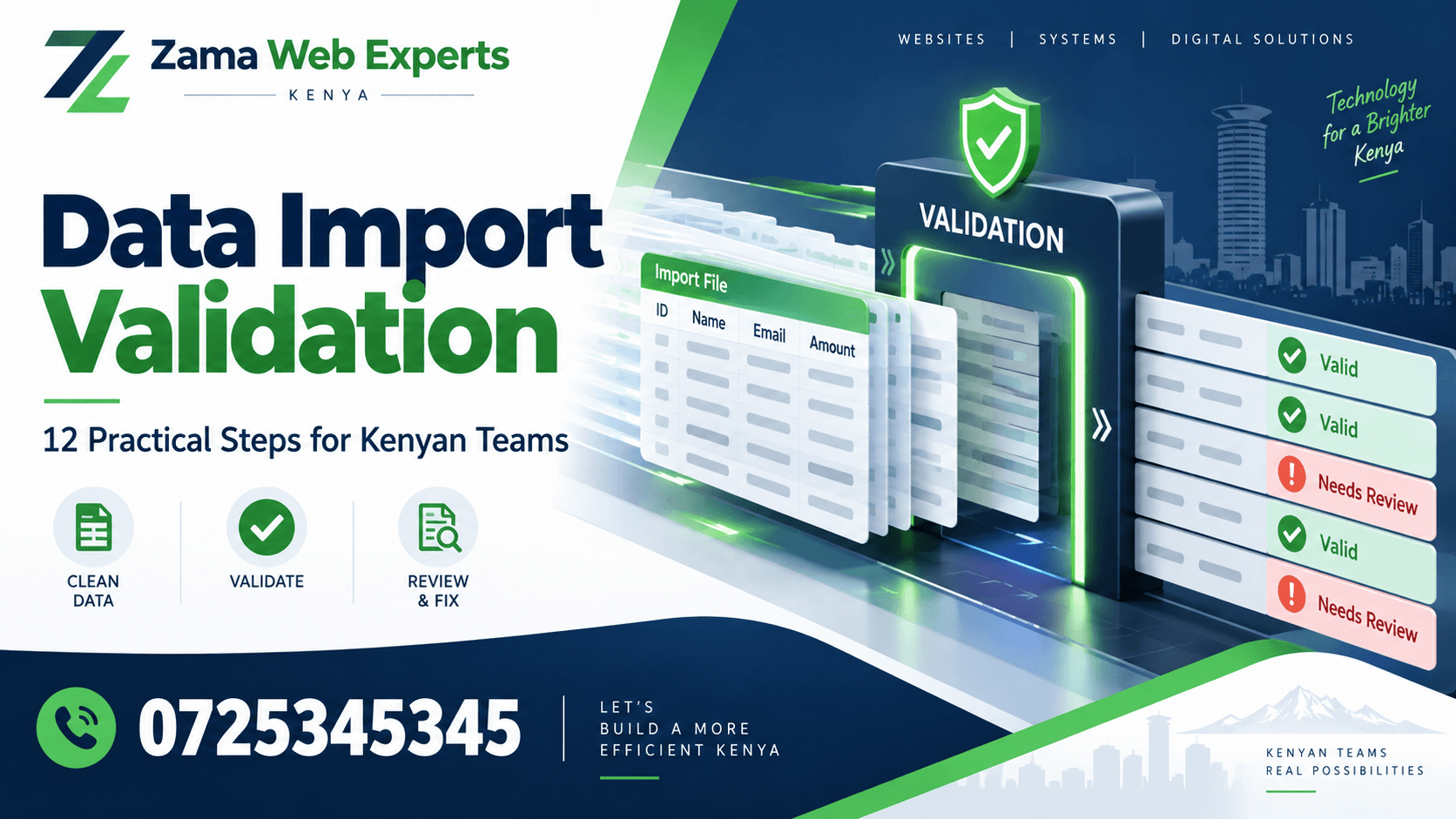
1. Define the purpose of data import validation
Write down what the import should achieve. Adding new products, updating descriptions and moving historical records are different operations. A file suitable for one purpose may be unsafe or misleading for another. Confirm the destination, record type and fields that are in scope before anyone prepares the final upload.
State what should remain unchanged. Data import validation needs a boundary as well as a list of expected changes. If the task only updates contact preferences, unrelated account fields should not be silently replaced. Clear scope makes the preview and final review meaningful.
2. Identify the owner of the source information
Choose who can confirm the file’s accuracy and who can approve its use. The person formatting a spreadsheet may not be authorised to decide whether an old customer record remains active or whether a product code should be replaced. Route those questions to the appropriate owner.
Keep the source version and preparation date visible. Data import validation becomes difficult when several files have similar names and nobody knows which one was approved. Preserve the original, maintain a separate working copy and record which version was accepted for the import.
3. Map each field to its meaning
Create a mapping between source columns and destination fields. Describe the meaning, required format and handling of blank values. Similar column names may hide different concepts: created date, transaction date and approval date should not be treated as interchangeable simply because they all contain dates.
Review the mapping with someone who uses the destination records. Through Zama’s software development service, discuss how the import fits the business workflow. Data import validation should confirm meaning before the team focuses on getting a file past a technical format check.
4. Check identifiers and matching rules
Agree how the system decides whether a row represents a new record or an existing one. A stable identifier is usually more dependable than a loosely written name, but the correct rule depends on the actual data model. Ask the implementation team to demonstrate the matching behaviour with representative examples.
Include missing, repeated and unknown identifiers in data import validation. Confirm what happens when a source code no longer exists in the destination. Avoid silently matching to a similar name just to complete the file. A rejected row with a clear reason can be preferable to a confident update of the wrong record.
5. Review required and optional values
Check which fields must be present for the agreed operation and which may be left blank. The meaning of a blank update deserves special attention: it might mean preserve the existing value, clear it or reject the row. The team must know which behaviour applies.
Data import validation should test those cases explicitly. A spreadsheet with an empty optional column can cause an unexpected result if the import treats blank cells as instructions to remove information. Put the rule in the preparation instructions so future files do not rely on a developer’s verbal explanation.
6. Confirm dates, numbers and units
Use examples that reveal ambiguity. A date can be interpreted differently depending on its format, and a number may include separators or formatting that the importer does not expect. Quantities also need a unit: twelve pieces and twelve cartons describe different stock positions.
For data import validation, compare the parsed preview with the original meaning. Do not assume that a successful conversion is a correct conversion. Ask the owner to check representative values after import as well. The final record should preserve the intended date, amount or quantity, not merely contain an acceptable data type.
7. Detect duplicates within the file
Look for repeated identifiers and repeated rows before upload. Decide whether repetition is an error or a legitimate part of the data structure. Several transaction lines can share an order reference while still being distinct; several product rows using the same unique code may require a different response.
Record the duplicate rule rather than applying a blanket remove duplicates command without review. Data import validation should preserve legitimate relationships. If the file is corrected, keep a traceable version so the reviewer can explain which rows were removed, combined or sent back for clarification.
8. Check relationships to other records
An imported row may refer to a branch, category, customer or another existing record. Confirm that those references are recognised and appropriate. A correctly formatted branch code is not enough if it points to the wrong outlet or a record that should not be used for the task.
Include unknown and inactive references in data import validation. Ask how the system reports them and whether the row is rejected or requires an authorised mapping. Avoid creating new related records automatically unless that behaviour is explicitly part of the approved import process.
9. Preview a small representative sample
Choose a sample that includes ordinary rows and likely exceptions. A file containing only the easiest records may demonstrate the upload button while missing the rules that matter. Include a blank optional value, a duplicate candidate and an unfamiliar reference where those cases are relevant.
Review the intended changes before applying them where the system supports a preview. For portal projects, see Zama’s portal development guide. Data import validation should include the user’s review experience, so the preview explains the outcome in terms the business owner can understand.
10. Agree failure handling before the main import
Ask whether the importer stops the whole file or accepts valid rows while reporting others. Both behaviours require clear instructions. A partly successful import can create duplicates if an employee uploads the complete file again without understanding what already changed.
The data import validation plan should state how failed rows are corrected and resubmitted. Keep the original row reference in the error report where possible. The person preparing the correction should be able to find the problem without manually guessing which spreadsheet row corresponds to a message on screen.
11. Reconcile the result after import
Compare the reported number of created, updated, rejected and unchanged rows with the approved file and expected behaviour. Investigate differences rather than assuming that the success message explains every outcome. Inspect a sample of saved records, including the difficult cases used in the preview.
Data import validation is not finished until the records support their intended task. Ask an authorised user to find an imported item and complete an appropriate check. A record can exist in the database while still being confusing, wrongly classified or unavailable in the screen where staff need it.
12. Keep a repeatable record and support route
Save the approved mapping, source version, import reference, result report and decision notes in the agreed location. Assign an owner for questions and later corrections. Keep access and retention appropriate to the information involved rather than leaving copies in uncontrolled personal folders.
Discuss ongoing support through Zama’s maintenance service or your agreed software arrangement. Reuse the data import validation plan when the file structure or destination fields change. A previously successful template should not bypass review after the underlying requirements have changed.
Worked example: updating product descriptions
Imagine a business wants to update product descriptions using existing product codes. The approved scope excludes prices and stock quantities. The sample includes a valid code, an unknown code and a blank description. Reviewers agree that the unknown code should be reported and the blank description should not erase the current value without an explicit instruction.
After a sample import, the team checks that descriptions changed as intended and unrelated fields remained unchanged. The full result is reconciled against the approved file. This hypothetical example shows how data import validation protects meaning and scope, rather than simply checking whether the spreadsheet can be opened.
A useful validation worksheet
For each field, record the source heading, destination, meaning, format, required status, blank-value rule and example. Add the identifier and relationship rules separately. Keep the worksheet concise enough that the employee preparing the next file can use it without a long meeting.
For the import itself, record the source version, approver, test result, planned operation, final result and outstanding corrections. A second employee should be able to explain what changed and why. If the evidence cannot answer that question, improve the record before repeating the operation.
Questions to ask before uploading
Can a spreadsheet be imported exactly as supplied? Only if its structure and meaning match the agreed import rules. A supplier’s or department’s file may be accurate for its own purpose but unsuitable for the destination.
Should every rejected row be forced through? No. Determine why it failed and obtain the appropriate correction or decision. Rejection can reveal a genuine problem in identity or meaning.
Can an import always be reversed? Do not assume so. Confirm the supported recovery or correction process before the main operation, including any consequences for records created or used afterwards.
Platforms with different data needs
Explore Vega POS for retail workflows, Prim for salons and TAS for chama management. JAAT presents a digital mall, Dereva a driver marketplace and Saseni writing order management. Each business activity gives its records a different meaning.
These links do not establish shared templates, automatic integrations or permission to move information between services. Review the destination’s actual requirements and agree the purpose of any transfer before preparing an import file.
Make correction files easy to review
When only some rows fail, prepare the correction according to the importer’s documented behaviour. Keep the original identifiers and explain what changed. Data import validation should make the second attempt easier to understand than the first, rather than creating another unexplained spreadsheet with a similar filename.
Ask the reviewer to compare the correction with the rejection reasons. A format correction should not quietly introduce unrelated changes to descriptions, quantities or ownership. If a broader change is necessary, record its approval separately so the purpose of the file remains clear.
Test repeated submission using a safe sample. Confirm whether the system recognises previously applied rows, creates duplicates or follows another supported rule. The team should know that behaviour before retrying a file after an uncertain interruption.
Data import validation also benefits from a brief completion note that names the approved source, summarises the result and lists unresolved rows. This gives the next employee a reliable starting point. They should not have to compare several downloads manually to discover whether the latest correction was actually applied or merely prepared for a future attempt.
Keep the final reviewed and formally approved sample alongside the field mapping and result notes. A new employee can use it to understand the expected structure before preparing a real file. Review the sample when requirements change, and mark older versions clearly so they are not reused by mistake. Good preparation makes later validation more focused because the team starts from an example whose meaning has already been discussed.
Plan your import with Zama
Bring the proposed file structure, a suitable sample and a list of fields that must remain unchanged. Ask the team to demonstrate a valid row, a rejected row, a corrected resubmission and the final reconciliation. Include the business owner who can approve the meaning of the records.
Use Zama’s contact page or call 0725345345. A practical data import validation plan gives your team a clear decision before upload and useful evidence after it, making future imports easier to repeat responsibly.