
In today’s mobile-first market, integrating M-Pesa into your website isn’t just a convenience—it’s a strategic advantage. An M-Pesa integration website lets Kenyan customers pay instantly via their phones, reducing cart abandonment, widening your audience, and streamlining cash flow.
Key Benefits of M-Pesa Integration
Instant, Secure Transactions
Funds settle in real time, improving cash flow.
Built-in Safaricom encryption and authentication protect both you and your customers.
Wider Customer Reach
Over 30 million Kenyans use M-Pesa—tapping this market drives more sales.
No need for credit cards or bank accounts; payment barrier is removed.
Lower Transaction Costs
Competitive M-Pesa merchant rates compared to traditional card gateways.
Eliminate chargebacks and reduce fraud risk.
Improved User Experience
Simplified checkout: enter phone number + PIN.
Mobile-optimized flows keep bounce rates low and conversions high.
Essential Features of a Top-Tier M-Pesa Integration Website
Seamless API Connection
Connect via Safaricom’s Daraja API for payment initiation, confirmation, and reconciliation.Customizable Checkout Widget
Embed a branded M-Pesa widget that matches your site’s look and feel.Automated Notifications
SMS and email alerts for successful payments, refunds, and payment failures.Dashboard & Reporting
Real-time transaction logs, settlement reports, and reconciliation tools.Fallback & Retry Logic
Auto-retry failed transactions and display clear error messages to users.PCI-DSS & Data Compliance
Ensure best-practice security standards while handling user data responsibly.
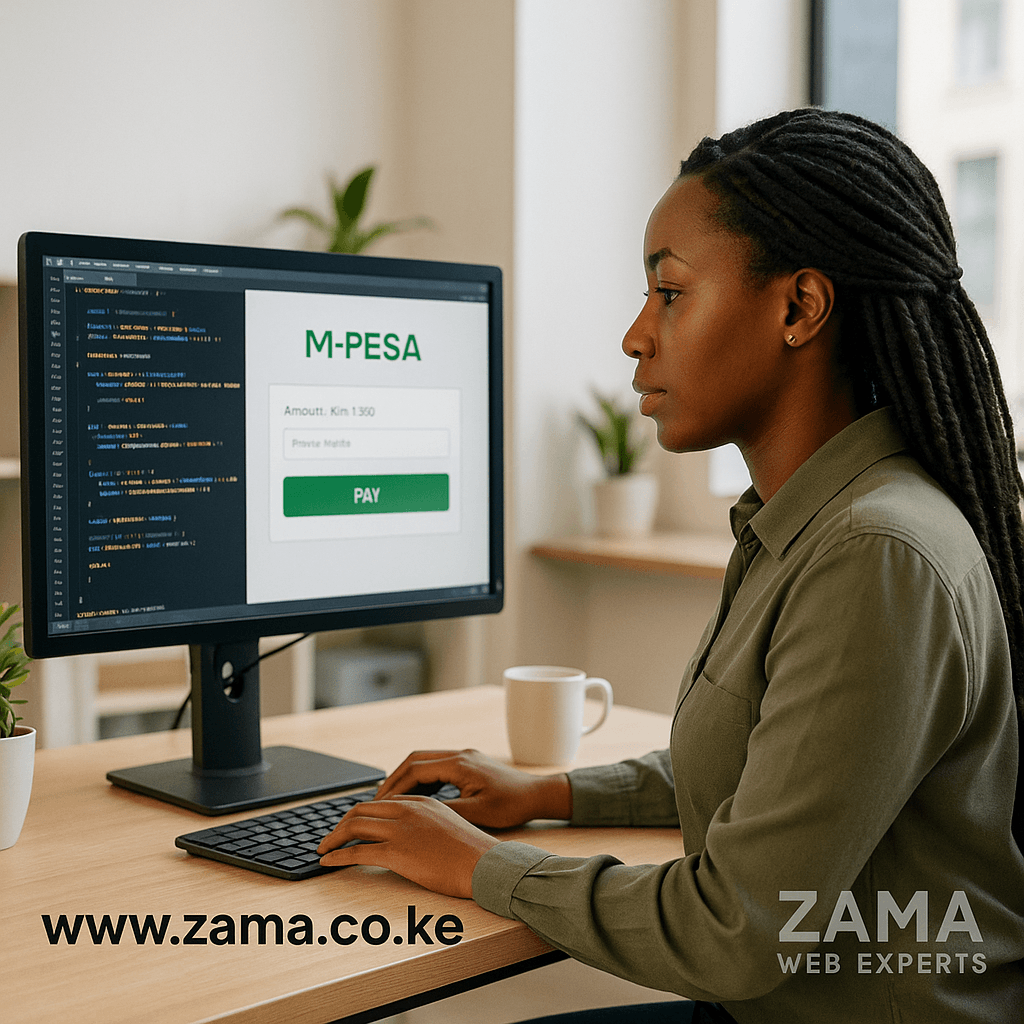
Our Integration Process : M-Pesa Integration Website
Requirements & Discovery
Review your product catalog, checkout flow, and UX goals.
Identify which M-Pesa services you need: STK Push, Lipa Na M-Pesa Online, Sim-Tool Kit.
API Setup & Credentials
Register your business with Safaricom.
Secure consumer key/secret and set up webhook endpoints for callbacks.
Development & Testing
Implement the Daraja API calls in your backend (Laravel, Node.js, etc.).
Test in Safaricom’s sandbox environment for STK Push simulations.
UI/UX Optimization
Design a frictionless checkout: clear “Pay with M-Pesa” buttons and progress indicators.
Mobile-first approach to cater to on-the-go users.
Go-Live & Monitoring
Switch to production credentials and perform end-to-end tests.
Monitor transactions and resolve any settlement or callback issues.
Ongoing Support
Regularly update APIs and dependencies for security.
Provide analytics reviews and optimize flows based on user behavior.
FAQ: M-Pesa Integration : M-Pesa Integration Website
Q1: How long does integration take?
A: Typically 1–2 weeks, depending on your checkout complexity and API readiness.
Q2: Are there monthly fees?
A: Safaricom charges per-transaction fees only—no subscription or setup fees from Zama.
Q3: Can I offer refunds via M-Pesa?
A: Yes. Our integration supports push refunds directly to customers’ wallets.
Q4: What platforms do you support?
A: We integrate with Laravel, WordPress/WooCommerce, Shopify (via custom apps), and custom PHP/Node.js sites.
Case Study: Seamless M-Pesa Integration for JengaMart
Client: JengaMart (Kenyan E-commerce Startup)
Challenge: High cart abandonment due to lack of mobile-money options.
Solution:
Implemented Safaricom Daraja API for STK Push and Lipa na M-Pesa Online.
Designed a one-click “Pay with M-Pesa” button in checkout.
Added real-time SMS and email payment confirmations.
Results:50% reduction in cart abandonment
35% uplift in completed transactions
Funds settled in merchant account within seconds
Pricing & Packages : M-Pesa Integration Website
| Package | Features Included | Estimated Cost (KES) |
|---|---|---|
| Basic Integration | Sandbox setup, STK Push, test transactions, basic UI widgets | KES 75,000 – KES 100,000 |
| Standard Integration | Live API setup, branded checkout widget, SMS/email alerts, dashboard reporting | KES 120,000 – KES 150,000 |
| Premium Integration | Full Lipa na M-Pesa Online, fallback logic, refund support, analytics dashboard, 24/7 support | KES 180,000+ |
Note: Final quotes depend on your existing platform, custom UI requirements, and expected transaction volumes.
Best Practices for M-Pesa Checkout UX : M-Pesa Integration Website
Clear Call-to-Action:
Use a prominent “Pay with M-Pesa” button above the fold.
Minimal Input Fields:
Only request phone number and PIN—avoid extra forms that slow users down.
Progress Indicators:
Show a loading spinner or progress bar during the STK Push flow.
Error Handling:
Provide user-friendly messages on timeouts or insufficient balance, with retry options.
Mobile Optimization:
Ensure checkout layouts adapt seamlessly to various screen sizes and orientations.
Security & Compliance Considerations : M-Pesa Integration Website
Secure Webhooks: Validate incoming callback requests with timestamp and signature checks.
Encrypt Sensitive Data: Do not store raw PINs or MPESA credentials in your database—use environment variables and secure vaults.
Regular Audits: Schedule periodic code reviews and penetration tests to ensure PCI-DSS alignment.
GDPR & Data Privacy: If you serve EU customers, implement consent banners and data-handling procedures.

Measuring Success
Transaction Volume: Track the number and value of M-Pesa payments weekly.
Checkout Conversion Rate: Compare pre- and post-integration conversion percentages.
Average Order Value: Monitor any uplift in AOV after offering mobile-money payments.
Customer Satisfaction: Use simple post-purchase surveys or NPS prompts to gauge user comfort with the flow.
Support Tickets: Aim to keep payment-related support requests below 2% of overall tickets.
Ongoing Support & Optimization
Monthly Health Checks: Review API logs, error rates, and settlement reports.
UX A/B Testing: Experiment with button copy (“Pay with M-Pesa” vs “Checkout with M-Pesa”) and placement.
Rate & Fee Reviews: Stay updated on Safaricom’s merchant rates and adjust pricing strategy if needed.
Feature Upgrades: Add value-adds like split payments, subscription billing via M-Pesa, or loyalty-point integrations.
Next Steps : M-Pesa Integration Website
Free Technical Audit: We’ll review your current checkout and recommend integration improvements.
Integration Roadmap: Receive a detailed timeline, milestones, and deliverables.
Kickoff: Begin sandbox development, UI design, and testing—then launch live in days.
Ready to transform your payments?
Reach out to Zama Web Experts for a free consultation:
✉️ hello@zama.co.ke
📞 +254 748106177
