
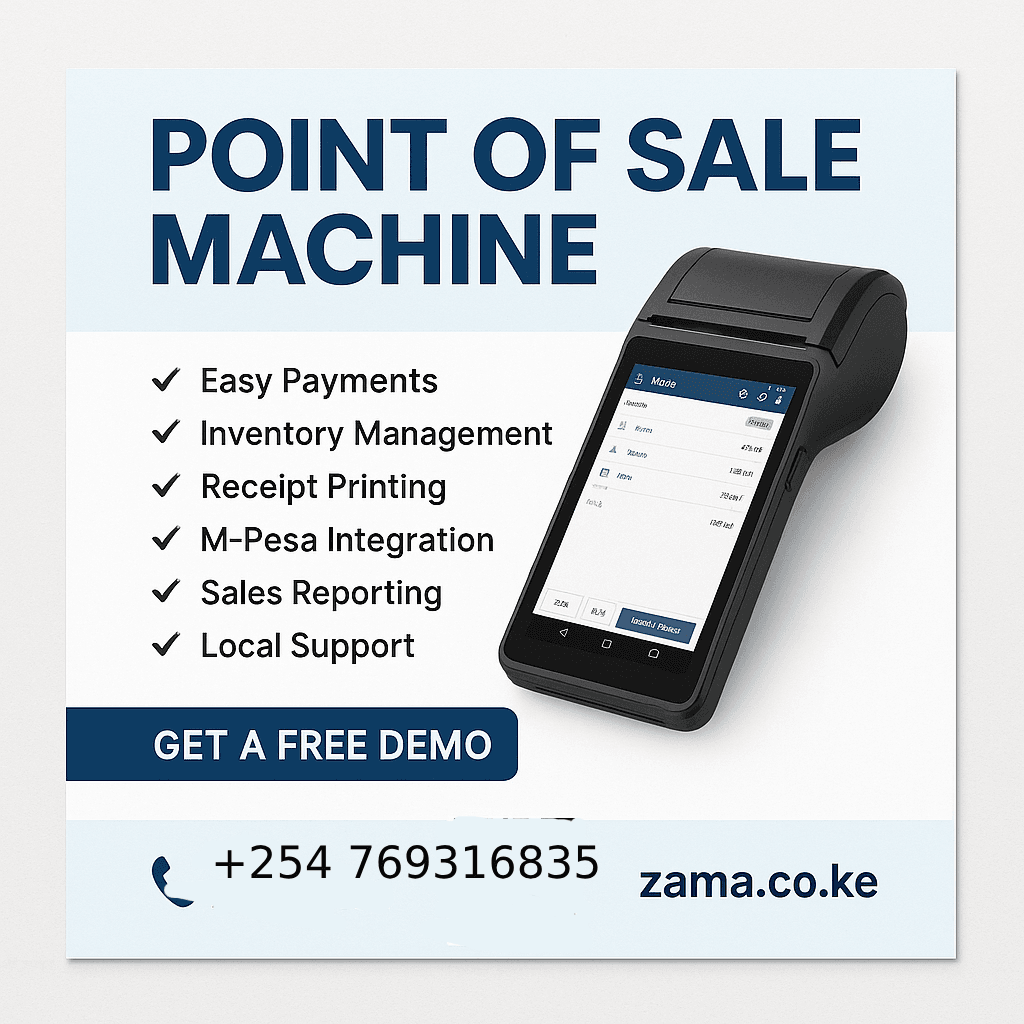
If you run a shop, restaurant, pharmacy, salon, or any fast‑moving retail business in Kenya, a dependable point of sale machine (POS machine) isn’t a luxury—it’s your profit guardian. At Zama.co.ke, we provide modern POS machines and software that sync with M‑Pesa, banks, inventory, receipts, reports, and even your eCommerce store. This guide will help you understand what a POS machine is, why you need one, how to choose the best device, and why partnering with Zama is the smartest move.
What Is a Point of Sale Machine?
A point of sale machine is the hardware device used to record sales, accept payments (cash, card, M‑Pesa, mobile money), print receipts, and sometimes scan barcodes. It can be:
An all‑in‑one Android POS terminal (touchscreen + printer + scanner).
A small card reader or tap device paired with a tablet/phone.
A desktop setup with a monitor, cash drawer, barcode scanner, and receipt printer.
Most Kenyan businesses today pair the machine with cloud-based POS software for real-time stock tracking, analytics, and remote management.
Point of Sale Machine vs POS System
POS Machine = The physical device (hardware).
POS System = Hardware + Software + Integrations + Support.
At Zama, we deliver the full system—so you don’t wrestle with compatibility or hidden costs.
Why Your Kenyan Business Needs a POS Machine
Speed & Accuracy – Stop manual errors, process orders faster.
Real-Time Stock Control – Know what’s selling, what’s low, and when to reorder.
Seamless Payments – Accept M‑Pesa STK push, Paybill/Till, bank cards (Visa/Mastercard), cash, and even BNPL options.
Actionable Reports – Daily sales, profit margins, top products, staff performance.
Compliance & Accountability – Digital receipts, audit trails, user roles, VAT/tax reports.
Customer Experience – Faster checkouts, loyalty points, SMS receipts.
Scalability – Move from one shop to multiple branches without losing control.
Key Features to Look For in a Point of Sale Machine (Kenya Context)
M‑Pesa Integration: Push-to-STK, automatic reconciliation.
Card Payments: Tap/insert card reader or integrated EFT PIN pad.
Barcode Scanning & Label Printing: Speed at checkout and inventory counts.
Receipt Printing: Thermal printers for instant, low-cost receipts.
Inventory Management: Variants, batches, expiry dates (pharmacies), serial numbers (electronics).
Offline Mode: Keep selling even when internet drops. Sync later.
Cloud Dashboard: Access reports anywhere—phone or laptop.
Multi-User & Role-Based Access: Track cashier activity, prevent fraud.
Multi-Branch Support: Centralized control for chains & franchises.
Integrations: Accounting (QuickBooks, Xero), eCommerce (Shopify, WooCommerce), CRM, loyalty.
Local Support & Warranty: Quick replacements, on-site training, Kenyan-based helpdesk.
Industries We Serve with POS Machines
Retail Shops & Supermarkets (Naivas, mini-marts, kiosks)
Restaurants, Cafés & Bars (table orders, kitchen printers, menu management)
Pharmacies & Clinics (batch/expiry tracking, prescriptions)
Hardware & Agrovet Stores (bulk items, units of measure)
Boutiques & Cosmetics (size/color variants, loyalty programs)
Electronics & Mobile Shops (IMEI/serial tracking, warranty slips)
Salons & Spas (service packages, staff commissions, appointments)
Wholesale & Distribution (bulk pricing, debtor accounts, delivery routes)
Cost of a Point of Sale Machine in Kenya (2025 Ballpark)
While prices vary based on features and brand, expect:
Entry-Level Android POS Terminal: KES 25,000 – 45,000
Mid-Range Complete Setup (touchscreen PC, printer, scanner): KES 55,000 – 95,000
High-End Restaurant / Multi-Branch Systems: KES 120,000+ (includes software licenses & integrations)
Monthly/annual software fees range from KES 1,500 – 6,000 depending on modules (inventory, accounting, CRM, SMS, loyalty). We offer flexible plans—pay only for what you need.
Tip: Cheap, offline-only POS machines may look attractive but cost you more in errors, downtime, and stolen stock. Invest in value, not just price.
How Zama.co.ke Delivers Your POS Success
Needs Assessment: We learn your processes, stock types, branches, payment preferences.
Tailored Proposal: Hardware + software bundle, transparent pricing, delivery timeline.
Setup & Data Import: Products, categories, taxes, pricing, users.
Training: Cashiers, managers, back-office staff—onsite or online.
Go-Live & Support: Test transactions, fix hiccups, monitor performance.
Ongoing Enhancements: Add modules (loyalty, eCommerce), new branches, integrations.
Why Choose Zama for Your Point of Sale Machine?
Kenyan-Focused: Built and supported locally—understands M‑Pesa, KRA, and local workflows.
End-to-End Offering: Hardware, software, training, and maintenance under one roof.
Fast Deployment: Most setups ready in 48–72 hours.
Transparent Pricing: No hidden integrations or forced upgrades.
Scalable & Future-Proof: Start small, add features as you grow.
Dedicated Support: Phone, WhatsApp, remote login, and on-site visits when needed.
How to Choose the Best POS Machine for Your Business (Checklist)
Do you need barcode scanning and label printing?
What payment methods must you accept (cash, card, M‑Pesa, PayPal)?
How complex is your inventory (sizes, colors, expiry dates)?
Do you operate multiple branches or sales channels (online + offline)?
Do you need advanced reports, accounting integration, or loyalty programs?
What is your budget now vs. growth plans in 6–12 months?
Is there local support, warranty, and training included?
Fill this checklist and send it to us—Zama will match you with the perfect POS package.
Frequently Asked Questions (FAQ) Point of Sale Machine
1. What’s the difference between a POS machine and a cash register?
A cash register only records cash sales and prints receipts. A POS machine handles multiple payment types, manages stock, and generates detailed reports.
2. Can your POS machine integrate with M‑Pesa?
Yes. We trigger STK Push, auto-match payments, and show M‑Pesa confirmations right on the POS screen.
3. Do I need internet for the POS to work?
Most functions work offline; once you reconnect, data syncs to the cloud. We recommend stable internet for real-time reports.
4. Can I add new branches or users later?
Absolutely. Our system is modular—you can add branches, tills, and staff without downtime.
5. What if the device breaks?
We offer warranty and quick replacements. Our support team can diagnose remotely or visit your site.
6. Do you provide training?
Yes—cashier, manager, and admin training (onsite/remote/manuals/videos).
7. Can I see sales from my phone?
Yes. You’ll get a secure dashboard accessible via web or mobile.
8. How do I migrate my existing stock data?
We help you import products via CSV/Excel or manual entry. We also clean your data for accuracy.
9. Do you offer rental or lease options?
We have flexible payment plans—talk to us about leasing or installment options.
10. How quickly can I go live?
Small shops: 2–3 days. Larger chains: 1–2 weeks depending on complexity.
Call to Action
Ready to streamline your sales and stop stock losses?
Call / WhatsApp: +254 780 927192
Email: info@zama.co.ke
Or visit Zama.co.ke and request a free demo of our point of sale machine today.
