
Portal date boundary testing helps a team understand why two apparently reasonable reports disagree. A fictional request created at 11:59 pm and another at 12:01 am fall on different local dates. If a screen groups them by a different timezone or uses completion time instead of creation time, a manager may think one request is missing when the report is answering another question.
Prepare fictional records with deliberately chosen times and name the business timezone and event field used by each report. Use an approved test clock or fixtures, never change production time for convenience. The exercise is about making reporting rules visible. It does not assume that every system should store time in the same way or that every business period ends at midnight.
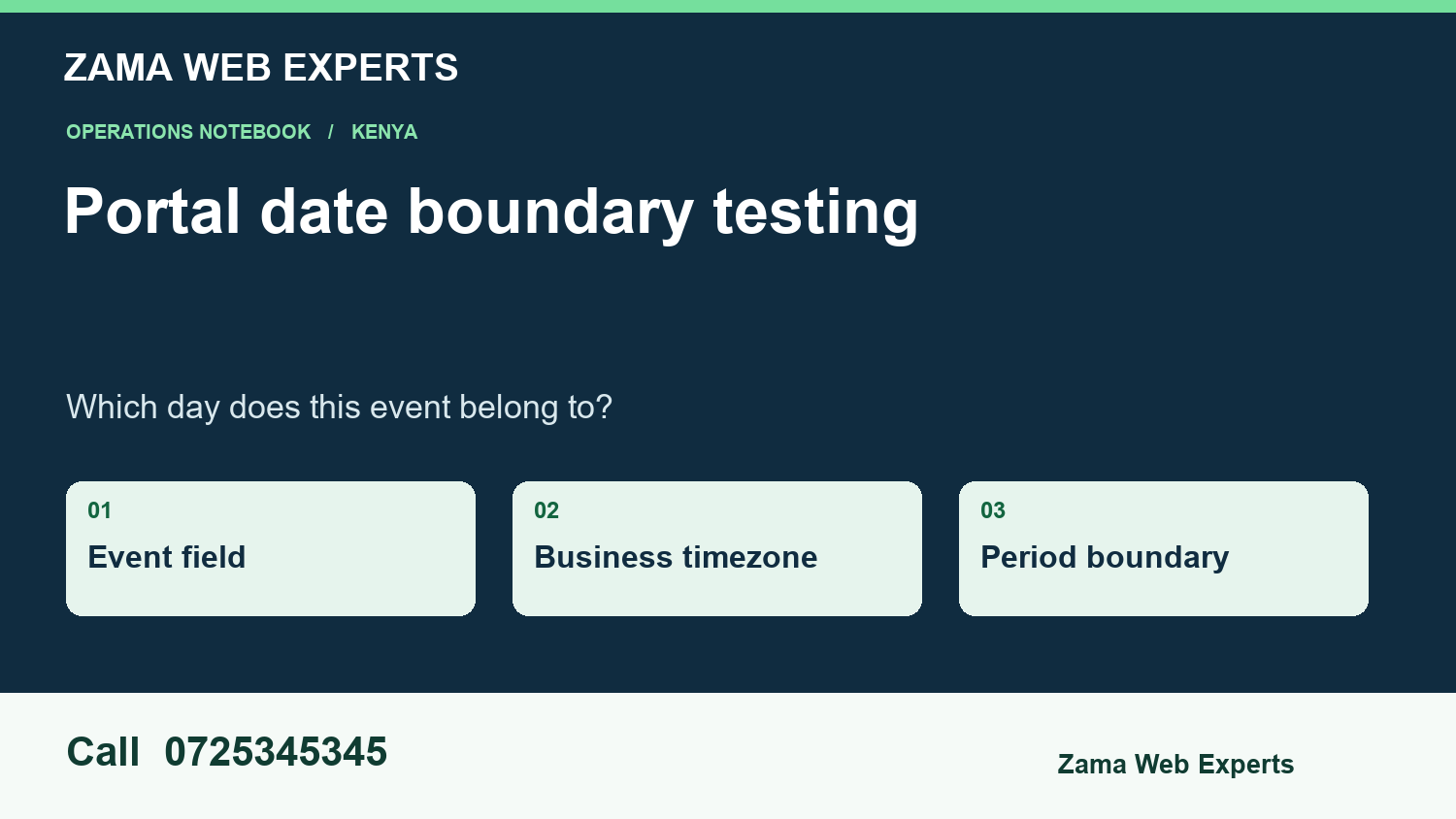
Portal date boundary testing in four decisions
Use the four decisions below as a tabletop exercise. The case is fictional. Each decision pairs a new scenario with field notes drawn from a linked guide in our library. Read the scenario aloud first, and ask the next person to explain the result before consulting the notes.
1. Name the event and clock
For each sample record, note creation, submission and completion times separately. A job created on Monday and completed on Tuesday belongs in different periods depending on the report’s purpose. Write the rule above the expected list: for example, completed jobs by the agreed local completion date.
Portal date boundary testing should compare that rule with the screen’s wording. A field called “Date” without further explanation leaves the user to guess. Ask a colleague to choose the expected records from the worksheet before opening the report so the interface does not dictate the answer. For portal date boundary testing, keep this starting assumption visible beside the result.
Field notes from our software acceptance criteria guide:
Specify the important exception paths
Choose exceptions that reflect the actual process. An approver may be unavailable, a customer may cancel, or a supporting document may need replacement. Describe the expected handling and who decides the next step. Do not try to list every imaginable failure before the basic workflow is understood, but do not postpone common exceptions until launch.
Separate a valid business exception from a technical fault. A rejected request is an expected decision; a failed save is a different problem. Software acceptance criteria should make that distinction so the team can choose appropriate messages, status handling and follow-up. A user should not mistake an unsuccessful save for a completed rejection.
Define reporting and export expectations
Where a workflow affects a report, identify the relevant scope and totals. State whether the report includes drafts, completed records or a selected period. A reviewer needs to compare like with like. A visible total is difficult to approve when nobody has agreed which records belong in it or which date determines inclusion.
Use a small example whose expected result can be calculated independently. Include one record that should appear and one that should be excluded. Software acceptance criteria should explain the reason for both. If an export is required, confirm which fields and filters must carry through rather than assuming that the download automatically matches the screen.
2. Exercise exact boundary cases
Create sample events just before midnight, exactly at midnight and just after midnight in the agreed business timezone. Define which period includes the exact boundary. Repeat at a month boundary and a year boundary using fictional fixtures.
Check whether the end date selected by a user includes the whole intended final day. A report that stops at the beginning of that day can look convincing while excluding almost twenty-four hours. Inspect the actual references, not only the count, because one misplaced record and one duplicate can cancel each other numerically. This stage of portal date boundary testing tests a different question from the final total.
Field notes from our report filter testing guide:
Document each filter’s meaning
List the available filters and define their choices. All branches might mean every branch in the business or only those the current user is authorised to see. Completed might refer to one specific state rather than any record that is no longer active. Make those meanings explicit.
Check branch and account scope
Test one branch, several branches where supported and the available all option. Confirm that the result contains the intended records and that the selected scope remains visible. A report screenshot or export can be misleading if it shows a total without the branch selection that produced it.
Review permissions alongside report filter testing. Through Zama’s portal development guide, discuss how different roles should access records. A filter is a convenience for choosing authorised information; it should not be the only mechanism preventing access to unrelated records.
Check sorting and pagination after changes
Apply a filter while viewing a later page of results and confirm the resulting view is sensible. Test whether sorting remains understandable after the selection changes. The report should not appear empty merely because the user remained on a page number that no longer exists for the new result.
Include these interactions in report filter testing because real users rarely begin every task from a fresh screen. They change dates, branches and sort orders while investigating a question. The interface should help them understand the current state throughout that sequence.
3. Compare screen, export and notification
Open the same sample through a list, a detail page and an export, then compare the displayed event and time meaning. If a scheduled notification includes a date, check that it describes the same business event. Different display formats can be acceptable when their meaning is clear; silently changing the underlying date is a separate issue.
Portal date boundary testing should record the user’s timezone preference where the product supports one. Use controlled recipients for messages and avoid distributing real customer records while investigating what may be only a formatting difference. Use portal date boundary testing to expose this exception before relying on the ordinary successful path.
Field notes from our notification testing checklist guide:
Review the message content and available context
The recipient needs enough information to understand the event and take the next step. Check the subject or opening line, record reference, status and action wording. Avoid including unnecessary personal or business information in a channel where it may be exposed beyond the intended reader.
Test failures and retries
Use approved test conditions to check what happens when a message cannot be sent. The team needs to know how the failure becomes visible, who reviews it and whether a retry is appropriate. A silent failure can leave an approval or customer update waiting indefinitely.
Review duplicates, reminders and timing
Test whether repeated actions create repeated notifications. Some reminders are intentional, but they need an agreed interval, stopping condition and recipient. A completed task should not continue producing an instruction to complete it because a reminder schedule was left running.
Confirm preferences and channel rules
Different message types may have different rules for channels and user choices. Document the agreed behaviour and test it with the relevant settings. Do not assume that changing one preference should disable every operational message or that every message may ignore the user’s selection.
Use the notification testing checklist to compare the displayed options with actual results. Where legal or contractual requirements affect communication, obtain the appropriate review rather than inventing rules in the software specification. The implementation should follow the approved policy and explain the available choices clearly.
4. Capture enough evidence to reproduce it
A useful defect report names the fictional reference, event field, business timezone, chosen range and expected period. Include the actual displayed value and the test fixture’s known value without exposing private data. Ask a second reviewer to repeat the check using the same assumptions.
If the team discovers that two reports intentionally use different event fields, improve the labels and explanation rather than forcing the totals to agree. Close the exercise when a manager can explain where each boundary record belongs and why the next report may legitimately place it elsewhere. The final portal date boundary testing record should explain the outcome to someone who was not present.
Field notes from our audit log review guide:
Start audit log review with clear business questions
Choose a concrete question, such as why a request returned to draft or who changed an approved delivery instruction. A clear question helps the reviewer identify the relevant records and time period. Reading every event without a purpose can consume effort while leaving the original uncertainty unresolved.
Separate operational review from a specialist security investigation. A business reviewer may establish the sequence of an ordinary correction, while suspected compromise requires the organisation’s incident process and qualified support. Audit log review should identify its purpose and limits so a routine screen check is not presented as a complete investigation.
Confirm the meaning of timestamps
Ask which time zone the interface displays and whether different systems use the same convention. A timestamp can appear out of sequence if the reviewer compares local time with another representation without noticing. Record the time convention when sharing an excerpt so another reviewer can interpret it correctly.
Keep exported evidence manageable
If an export is necessary, limit it to the relevant scope and store it in an approved location. Include the filter, time convention and case reference needed to interpret it. A spreadsheet of events without its selection criteria can be misunderstood later, especially if another employee assumes it covers the entire system.
Portal date boundary testing test sheet
Before running the example, cover the expected results and ask a colleague to predict them. Use the disagreements to decide which rule needs explaining. These are fictional test cases; use your own approved references for the real procedure.
| Test condition | Expected evidence |
|---|---|
| Event just before local midnight | It belongs to the period defined by the agreed business timezone and event field. |
| Event exactly at period start | The documented boundary rule includes it in one intended period. |
| Final day selected in a report | The actual range matches the user’s stated inclusion rule. |
| Created Monday, completed Tuesday | Creation and completion reports place the case according to their different purposes. |
| Screen compared with export | The meaning survives the format change and any consumer interpretation is documented. |
Portal date boundary testing: questions before release
Should creation and completion dates match?
Only when the actual events happened at the same relevant time. They describe different milestones. A report about workload received and a report about work completed can therefore disagree correctly. Name the event field in the acceptance criteria and test a case that spans two dates.
How should an end date behave?
Use the agreed reporting rule and make it understandable. Many users expect a selected final date to include that whole local day. The implementation should be tested at the exact boundary, not inferred from midday examples. Record the timezone and the precise inclusion rule for repeatable checks.
Why check exports separately?
An export consumer can interpret dates differently from the portal display. Compare the meaning and record references, not only the visual format. Include an unambiguous fixture near a boundary and document the application used to open the file. A neat spreadsheet can still assign a record to the wrong day.
Use portal date boundary testing in your next demonstration
For a discussion about portal date boundary testing, contact Zama Web Experts on 0725345345. Bring one anonymised example, its starting position and the result your colleague expects. Ask for a demonstration using those details before assuming a particular feature or integration is available.
Other Kenyan business workflows
For a retail point-of-sale workflow, explore Vega POS. If your team is working in another sector, these services provide different examples: Prim for salon bookings, sales and stock; TAS for chama records and contributions; JAAT for shop and product listings; Dereva for driver discovery. Use the service that fits your task; a link does not establish that the systems exchange data.