
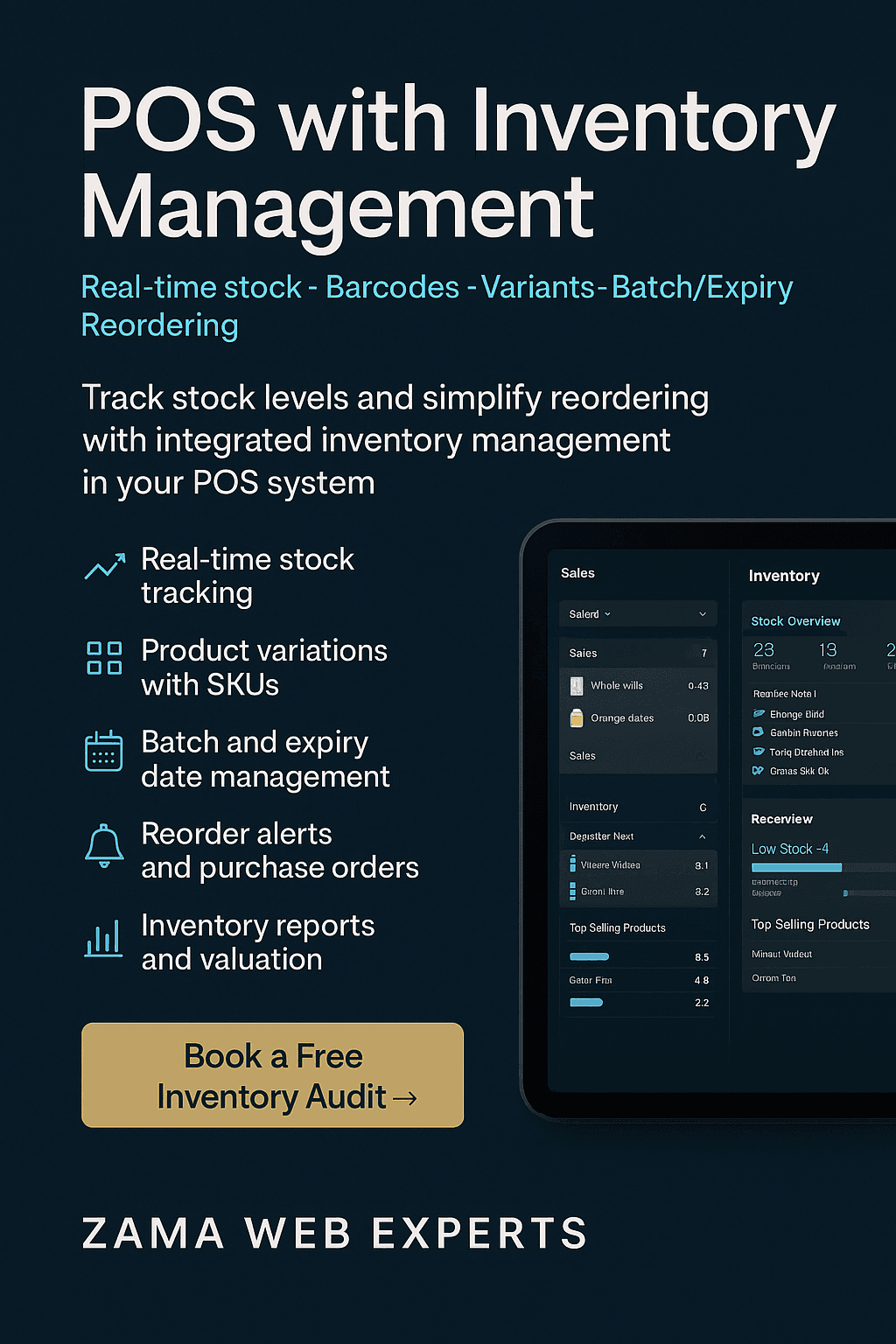
Running out of fast movers or over-stocking slow items kills margin. Our POS with inventory management gives you real-time stock visibility at the till, in the back office, and across branches—so you sell confidently, reorder on time, and protect cash flow. Built by Zama Web Experts (zama.co.ke), it’s fast at the counter, precise in the storeroom, and flexible enough for retail, restaurants, pharmacies, hardware, groceries, and fashion.
What You Get (Core Features)
1) Real-Time Stock Control
Live on-hand, reserved, and available quantities
Multi-store and warehouse transfers with approval trails
Stock adjustments (damaged, lost, promotional) with reasons & audit logs
2) Barcodes, SKUs & Variants
Auto-generate SKUs and print barcode labels
Variants (size, color, material) & composite bundles/kits
Serial/IMEI tracking for electronics, tools & appliances
3) Purchasing & Re-Ordering
Supplier directory, purchase orders, and goods received notes
Smart re-order points with lead time & MOQ
Landed cost allocations (freight, duty) for accurate COGS
4) Batch & Expiry (where needed)
Batch numbers and expiry dates for food, cosmetics, and pharmacy items
FEFO/expiry alerts and restricted sales on expired stock
5) Recipes & Auto-Deduction (F&B)
Recipes/BOMs for dishes & drinks (ml/grams/units)
Auto-deduct ingredients on sale; monitor theoretical vs actual usage
6) Fast POS Checkout
Search, barcode scan, quick keys & customer lookups
Discounts, promotions, combos, and loyalty points
Payments: cash, cards, M-Pesa, gift vouchers, split payments
Offline-first: continue selling; sync when back online
7) Analytics & Reports
Sales by product, category, cashier, store, and time of day
Inventory valuation (FIFO/weighted avg), aging & dead stock
Margin & COGS, promotion performance, stockouts & low-stock alerts
Export to accounting or BI tools
8) Roles, Security & Audit
Role-based access, approval workflows, and void/discount logs
Shift management (float, cash-up, variances)
Complete change history for compliance and reviews
How It Works (Typical Workflow)
Create a PO from low-stock suggestions → email to supplier.
Receive goods (scan barcodes or batches) → stock auto-updates.
Sell at POS (scan item or search) → stock deducts in real time.
Automated alerts trigger re-orders; dashboards show margin and velocity.
End-of-day cash-up and sales export; inventory valuation stays current.
Built for Your Industry
Retail & Supermarkets: barcodes, variants, promotions, loyalty, fast checkout.
Restaurants & Bars: recipes, menu modifiers, KDS/printing, theoretical vs actual usage.
Pharmacies & Beauty: batch/expiry, FEFO, restricted sales, compliant logs.
Hardware & Electronics: serial/IMEI tracking, warranty notes.
Fashion: size/color variants, seasonal collections, returns & exchanges.
Wholesale & B2B: tiered pricing, bulk discounts, quotes & invoices.
Why Choose Zama
Local Payments: M-Pesa + cards + cash supported.
Multi-location Ready: central catalog, store-level price overrides.
Customizable: we tailor workflows, receipts, and reports to your operation.
Training & Support: on-site/remote onboarding, SOPs, and priority support.
KPIs We Help You Improve
Stockouts per month ↓
Inventory turnover ↑
Gross margin return on investment (GMROI) ↑
Dead stock ratio ↓
Cash-up variance ↓
Re-order accuracy ↑
FAQs (SEO-ready)
1) What is a POS with inventory management?
A system that combines point-of-sale with back-office stock control so sales, purchases, and stock levels stay in sync across stores.
2) Can it handle multiple branches?
Yes—see live stock per store and transfer items with approvals.
3) Does it support barcodes and label printing?
Yes, generate SKUs, print labels, and scan for fast checkout and stock takes.
4) How are re-orders handled?
Set min/max levels and lead times; get auto suggestions and create POs in one click.
5) Can restaurants track ingredients?
Yes—recipes/BOMs auto-deduct ingredients when a menu item is sold.
6) Do you support batch/expiry?
Yes—track batches, enforce FEFO, and block expired items from sale.
7) Which payments are supported?
Cash, card, and M-Pesa; we can integrate other options on request.
8) What about accounting and e-commerce?
We provide exports and APIs to connect with your accounting or online store.
9) Will it work offline?
Yes—continue selling offline; all data syncs safely when connectivity returns.
10) How do we get started?
Book a quick needs audit; we map your items, taxes, and workflows, then deploy and train your team.
Strong CTA
Ready to keep shelves full and cash flow healthy?
Book a free inventory audit and see how our POS with inventory management fits your operations.
👉 Visit zama.co.ke/contact
Problems a POS with Inventory Management Actually Solves
Stockouts & Lost Sales
Running out of fast movers (e.g., sugar, flour, phone chargers, soda) hurts trust and revenue. Real-time stock shows on-hand and low-stock alerts before it’s too late.
Over-stock & Cash Tied Up
Dead stock eats shelf space and working capital. Ageing and velocity reports reveal slow movers so you can discount or bundle them early.
Inaccurate COGS
Missed freight/duties make margins look better on paper than in reality. Landed-cost allocations fix COGS so pricing and promos stay profitable.
Manual Re-orders
Guesswork leads to either empty shelves or bloated stores. Min/Max levels with lead times generate smart PO suggestions per supplier.
Multi-branch Blind Spots
One store overflows while another runs dry. Centralized inventory shows stock per location and lets you transfer with approvals.
What “Real-Time” Actually Means
Sales instantly deduct stock—from the correct location and bin.
Transfers, returns, and adjustments write to the audit log as they happen.
Low-stock thresholds trigger alerts and PO suggestions immediately.
Dashboards refresh without CSV exports or end-of-day batching.
Core Inventory Concepts (Explained Simply)
On-hand, Committed, Available
On-hand: what’s physically in store or warehouse.
Committed: items in open orders or holds.
Available: on-hand minus committed (what you can sell now).
Valuation Methods
FIFO (first in, first out): best when prices fluctuate or expiry matters.
Weighted average: smooths cost swings for large retail catalogs.
Stock Taking
Full counts for year-end; rolling cycle counts weekly for accuracy without closing the store.
Variance reports highlight shrinkage by category, store, or shift.
Restaurant & Bar: Inventory That Follows the Recipe
Recipes/BOMs deduct ingredients automatically (ml/grams/units).
Menu Modifiers (double shot, premium swap, no ice) adjust deduction and price.
Theoretical vs Actual usage spots free pours, comps, and wastage.
Happy-Hour Rules protect margin with conditional pricing.
Retail & Pharma: Labels, Batches, and FEFO
Barcodes & SKUs for fast checkout and accurate receiving.
Variants (size, color, pack) with parent/child relationships.
Batch & Expiry for cosmetics, food, and pharmacy with FEFO enforcement.
Restricted Sales block expired items and log overrides by manager only.
Kenya-Ready Payments & Operations
M-Pesa, cards, cash—with splits, deposits, and lay-by where needed.
Till balancing & cash-up with variance logs per shift.
eReceipts by SMS/email for customer convenience and quick returns.
Multi-Store & Warehouse Flow (At a Glance)
Central catalog and price lists with store-level overrides.
Suggested POs per location based on min/max and lead time.
GRNs (goods received notes) at each store or central warehouse.
Inter-store transfers with pick/dispatch/receive steps.
Consolidated dashboards for sales, margin, and stock health.
Implementation Plan (2–3 Weeks Typical)
Week 1: Discovery & Data Prep
Item master cleanup (duplicates, units, variants).
Initial stock import and valuation choice (FIFO or weighted avg).
Payment/tax configuration for your county and product types.
Week 2: Hardware & Training
POS terminals, barcode printers/scanners, receipt/network printers.
Frontline training (sales, returns, exchange, lay-by, discounts).
Back-office training (POs, transfers, adjustments, cycle counts).
Go-Live & Stabilization
Pilot in one store/branch.
Tighten low-stock thresholds, reorder rules, and reports.
Roll out to remaining branches.
KPIs to Watch Weekly
Stockout Rate – # of out-of-stock SKUs / total SKUs.
Inventory Turnover – COGS ÷ average inventory.
GMROI – gross margin ÷ average inventory value.
Dead Stock % – items with no sales in 60–90 days.
Count Variance – difference between theoretical and actual after cycle counts.
Fill Rate – % of customer demand fulfilled without backorders.
Buyer’s Checklist: Choosing a POS with Inventory Management
Real-time stock across stores and channels
Barcode/label printing and variant handling
Batch/expiry and FEFO (if you sell perishables/beauty/pharma)
Recipes/BOMs and theoretical vs actual usage (for F&B)
Min/Max reorder points with lead times and suppliers
Inter-store transfers with approvals and audit trails
Role-based permissions and cash-up variance controls
M-Pesa, card, and cash support (split payments, deposits)
Clear migration plan and local support team
Export/APIs for accounting and e-commerce
Quick Case Snapshot (Illustrative)
Multi-branch minimart, Nairobi (3 outlets)
Challenge: frequent stockouts on top-20 SKUs; excess stock on long-tail.
What changed: min/max levels per outlet; weekly cycle counts.
Result after 8 weeks: stockouts down 42%, dead stock down 18%, turnover up 27%.
Objections You Might Have (and Answers)
“Will counting stock slow us down?”
Cycle counts target a small subset weekly—no shutdowns required.
“Our prices change often.”
Use weighted average or FIFO; landed-cost allocations keep COGS correct even with changing freight.
“Internet is unstable.”
Offline-first tills keep selling; sync resumes automatically when back online.
“Team adoption worries me.”
We train by role with SOPs, then set permission levels to limit risk and enable quick audits.
Content Ideas to Support This Page (Internal Linking)
How to set Min/Max Levels That Actually Prevent Stockouts
Cycle Counting vs Full Stocktake: What’s Right for Busy Stores?
FIFO vs Weighted Average: Which Valuation Fits Your Business?
The Ultimate M-Pesa POS Guide for Kenyan Retailers
Menu Engineering 101: Turn Theoretical Usage into Higher Margin
CTA (Place above the fold and after FAQs)
Keep shelves full, reduce dead stock, and protect margin with a POS with inventory management built for Kenyan businesses.
Book a free inventory audit today at zama.co.ke/contact.