
Record archive testing starts with a distinction that users often miss: removing a case from an active list is not necessarily deleting it. A completed fictional job disappears from today’s queue, but a support colleague may still need its history. The archive process should explain which views change, who can retrieve the record and whether any ongoing work remains attached.
Use harmless test records and the organisation’s approved archive and retention rules. This article does not set legal retention periods or recommend deleting business evidence. Choose three sample cases: one completed, one still open and one completed with a pending follow-up. Agree which cases are eligible before pressing an archive control, then write down the expected result for each.
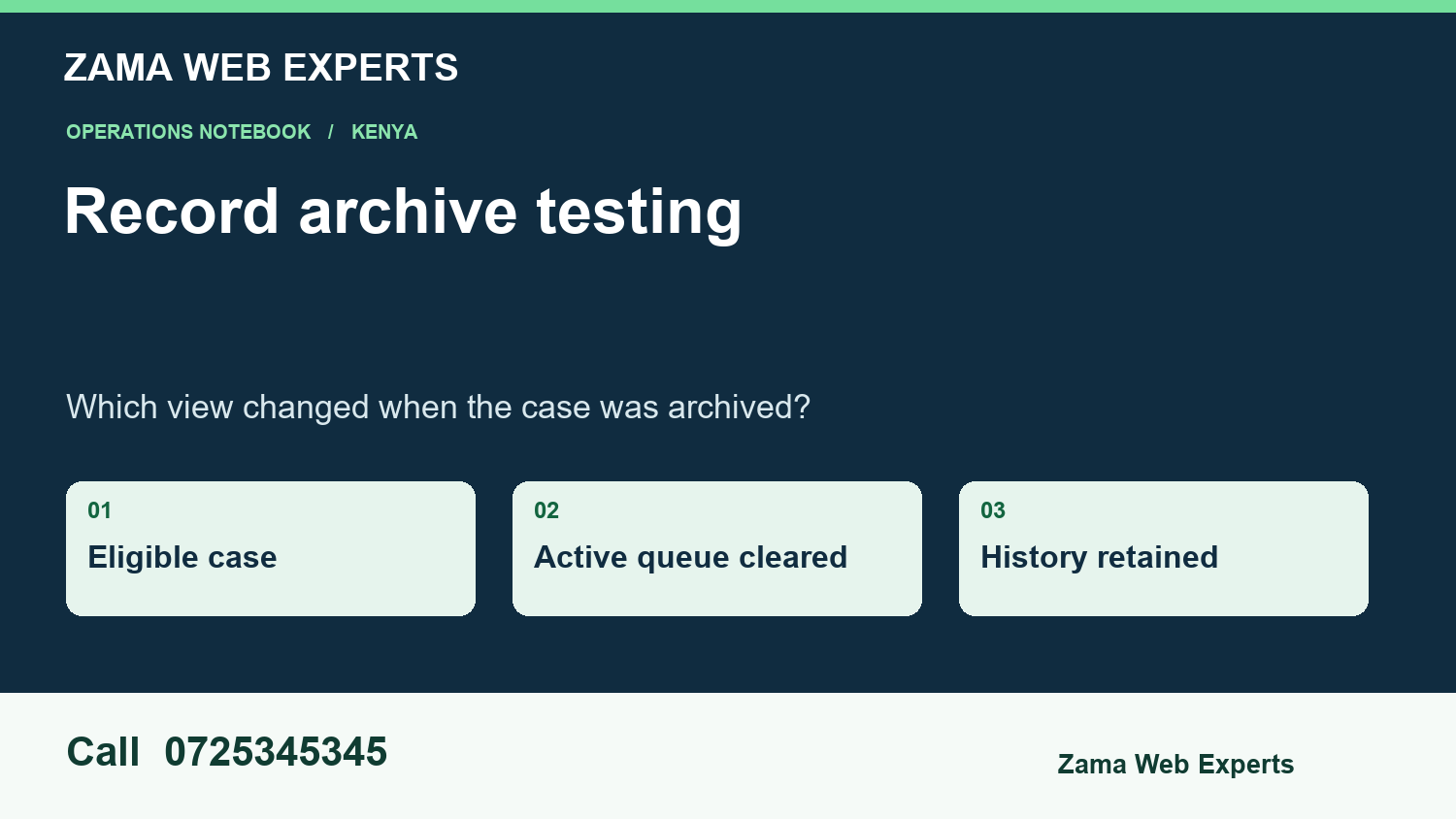
Record archive testing in four decisions
Use the four decisions below as a tabletop exercise. The case is fictional. Each decision pairs a new scenario with field notes drawn from a linked guide in our library. Read the scenario aloud first, and ask the next person to explain the result before consulting the notes.
1. Prove eligibility before moving records
Archive the completed eligible case and check that the active queue changes as intended. Attempt the same operation on the open test case under the approved procedure. The system should follow the documented eligibility rule and explain any refusal clearly.
A bulk action deserves separate attention: selecting one eligible and one ineligible case should not produce an ambiguous blanket success message. Record archive testing should reveal the result for each reference, including any case that remains unchanged. Users need a reliable list of outcomes before they decide whether to repeat an operation. For record archive testing, keep this starting assumption visible beside the result.
Field notes from our software acceptance criteria guide:
Start software acceptance criteria with a business task
Describe the task before describing the screen. A manager may need to approve an expense, a customer may need to check an order, or a receptionist may need to correct an appointment. Each task has a starting situation and a useful result. A page containing several buttons is not necessarily evidence that the underlying task works.
Ask what the user needs to know at the end. Should a request appear in the next person’s queue? Should a customer receive an acknowledgement? Should a report include the updated record? Software acceptance criteria should connect the action to its intended result rather than stop at the moment someone clicks a control.
Cover changes of state explicitly
Many business systems move records through stages such as draft, submitted, reviewed and completed. Define the permitted transitions and who initiates them. Clarify whether a completed record can be reopened, whether reopening requires a reason and what happens to earlier decisions. These details often matter more than the colour of a status label.
Check what another user sees after the change. A requester and reviewer may need different information, but both should understand the current position. Software acceptance criteria should prevent a record from appearing complete in one place while another part of the workflow still treats it as waiting for action without explanation.
2. Find the archived case deliberately
Search for the archived reference using the permitted support role. Determine whether the ordinary search excludes archived work by default and how the user deliberately includes it. The label should explain the scope.
A missing result in the active queue is not proof that the record no longer exists. Inspect direct links saved before archiving as well, within the authorised test accounts. The route should preserve the intended access rules and provide a clear status rather than unexpectedly reopening the case or displaying another user’s record with a similar identifier. This stage of record archive testing tests a different question from the final total.
Field notes from our website search testing guide:
Collect realistic search terms
Ask customer-facing and operational staff which phrases people use. Include plain language, common abbreviations and the terminology found on your pages. Avoid building the entire test around exact page titles, because visitors may not know those titles before they find the information.
Identify expected useful results
For each important query, name the page or type of information that should help the user. More than one result may be reasonable. The reviewer should understand why an expected page is relevant rather than assume that the first result must always be one predetermined document.
Check ordinary variations in wording
Use common abbreviations, singular and plural forms, and familiar alternative terms where relevant to the audience. Decide which variations the business expects the search to support. Not every spelling error or synonym must produce the same result, but the most important user language should be considered deliberately.
Repeat the review when content changes
New pages, renamed services and removed documents can change the quality of search results. Keep a small set of important queries for periodic review and after relevant releases. Confirm how newly published or updated content becomes searchable in your setup before assuming that every change appears immediately.
Assign ownership for both content and technical issues. Website search testing should lead to maintainable improvements, not a one-time list that nobody revisits. A recurring question with no useful result may need a better page, while an existing page that never appears may require a different investigation.
3. Check reports and pending work
Compare a historical completion report before and after archiving. If the business expects historical totals to remain unchanged, the same completed job should still be counted. Separately inspect any pending follow-up attached to the third sample case.
Decide whether that case should be ineligible, whether the follow-up remains visible elsewhere or whether another approved process resolves it. Record archive testing is incomplete when it examines only the active list. A record can disappear neatly from a queue while leaving a reminder, attachment or report in an inconsistent state. Use record archive testing to expose this exception before relying on the ordinary successful path.
Field notes from our report filter testing guide:
Build a small expected-results sample
Use authorised test records with deliberately varied dates, branches and statuses. Include enough variation to distinguish each filter, but keep the sample small enough to inspect manually. A large production report can make a wrong total difficult to diagnose because nobody knows which records should be present.
For report filter testing, record the expected members of each selection before running the report. Keep sample identifiers beside the expected result. This gives the test an independent basis instead of treating the report’s own output as proof that its calculation is correct.
Confirm which date is filtered
A record can have creation, transaction, approval and completion dates. Choose the date that matches the business question and make it understandable to users. A report filtered by creation date will not necessarily answer a question about work completed during the same period.
Test the edges of a date range
Include records at the beginning and end of the selected period, plus records just outside it. Agree how the report interprets the end date and any relevant timezone. The visible date choice should correspond to the period users think they selected.
Combine filters deliberately
After testing each filter separately, test meaningful combinations. A branch, date and status selection should follow the agreed logic together. Include a combination expected to return several records and one expected to return none. The interaction can reveal mistakes that individual filter tests miss.
4. Rehearse restoration where supported
If the product supports restoration, restore the eligible test case and inspect its status, history and queue placement. Restoration should not silently create a duplicate business case or replay a completed notification. Record who requested the archive and restoration, the relevant references and their actual outcomes.
If restoration is deliberately unsupported, document the approved support route instead of promising a button that does not exist. Finish the exercise by having another colleague find the archived example and explain what changed, what remained available and which actions are still permitted. The final record archive testing record should explain the outcome to someone who was not present.
Field notes from our audit log review guide:
Distinguish an attempt from a completed change
An attempted action, a rejected request and a successfully saved change describe different outcomes. Ask the team how the interface distinguishes them. A log entry containing an action name does not necessarily mean the business result was completed. The reviewer should examine the outcome and the current record together.
Use a fictional rejected action during the demonstration. Confirm that the reviewer can tell why it failed and whether any partial result remains. Audit log review should help the business avoid treating unsuccessful attempts as completed work or overlooking a later successful retry.
Record findings separately from raw events
Write a short explanation of the question, evidence reviewed, observed sequence and next action. Distinguish a confirmed fact from an interpretation. If the record shows an account changed a field but does not explain why, say that the reason remains unconfirmed rather than inventing a motive.
Assign unresolved questions to the appropriate owner. Audit log review should end with a clear result or a clear request for additional evidence. A large export with no conclusion leaves the next person to repeat the same work without knowing what has already been established.
Test logging when the workflow changes
New features and revised approvals can change which events the business needs to understand. Include relevant history checks in the review of a change. Confirm that the intended reviewer can still identify the action, affected record and outcome through the supported interface.
Record archive testing test sheet
Before running the example, cover the expected results and ask a colleague to predict them. Use the disagreements to decide which rule needs explaining. These are fictional test cases; use your own approved references for the real procedure.
| Test condition | Expected evidence |
|---|---|
| Completed eligible record archived | It leaves the active queue under the documented rule. |
| Open record selected for archive | The eligibility rule is enforced with a clear per-record outcome. |
| Archived reference searched | The permitted retrieval path distinguishes archived from missing work. |
| Historical completion report rerun | Totals follow the approved inclusion rule rather than changing accidentally. |
| Supported restoration performed | The original case returns as designed without duplicate work or replayed side effects. |
Record archive testing: questions before release
Does archive mean delete?
No universal meaning can be assumed. Document what this product’s archive action does to visibility, retrieval, attachments and history. Do not use it as a substitute for a separately approved deletion or retention process. Users should know which information remains available and who can access it.
Why compare historical reports?
Removing completed work from an active queue should not silently change historical measures when the approved reporting rule expects those records to remain counted. Compare exact references before and after the operation. If the reporting scope intentionally excludes archived cases, make that limitation clear in the report label.
What is a useful bulk-action result?
A per-record outcome showing which cases were archived, which were skipped and why. The user needs enough detail to avoid repeating already completed actions or assuming that every selected case changed. Test a mixed selection with one ineligible record rather than only a group where every case qualifies.
Use record archive testing in your next demonstration
For a discussion about record archive testing, contact Zama Web Experts on 0725345345. Bring one anonymised example, its starting position and the result your colleague expects. Ask for a demonstration using those details before assuming a particular feature or integration is available.
Other Kenyan business workflows
For a retail point-of-sale workflow, explore Vega POS. If your team is working in another sector, these services provide different examples: Prim for salon bookings, sales and stock; TAS for chama records and contributions; JAAT for shop and product listings; Dereva for driver discovery. Use the service that fits your task; a link does not establish that the systems exchange data.