
Duplicate record merge review protects the history behind two records that appear to describe the same thing. Similar names are a reason to investigate, not automatic proof that a merge is correct. Contacts, transactions, permissions and attachments may have different owners or meanings. This workshop uses a fictional supplier directory to show how a team can evaluate a proposed merge before changing operational information.
Two supplier entries share a trading name but have different references and contact details. One entry contains a historic order and another is used for current enquiries. The workshop uses invented records in a test environment. The objective is to agree identity, choose field values deliberately and reconcile the result, with a recovery plan suitable for the actual system before any production change is authorised.
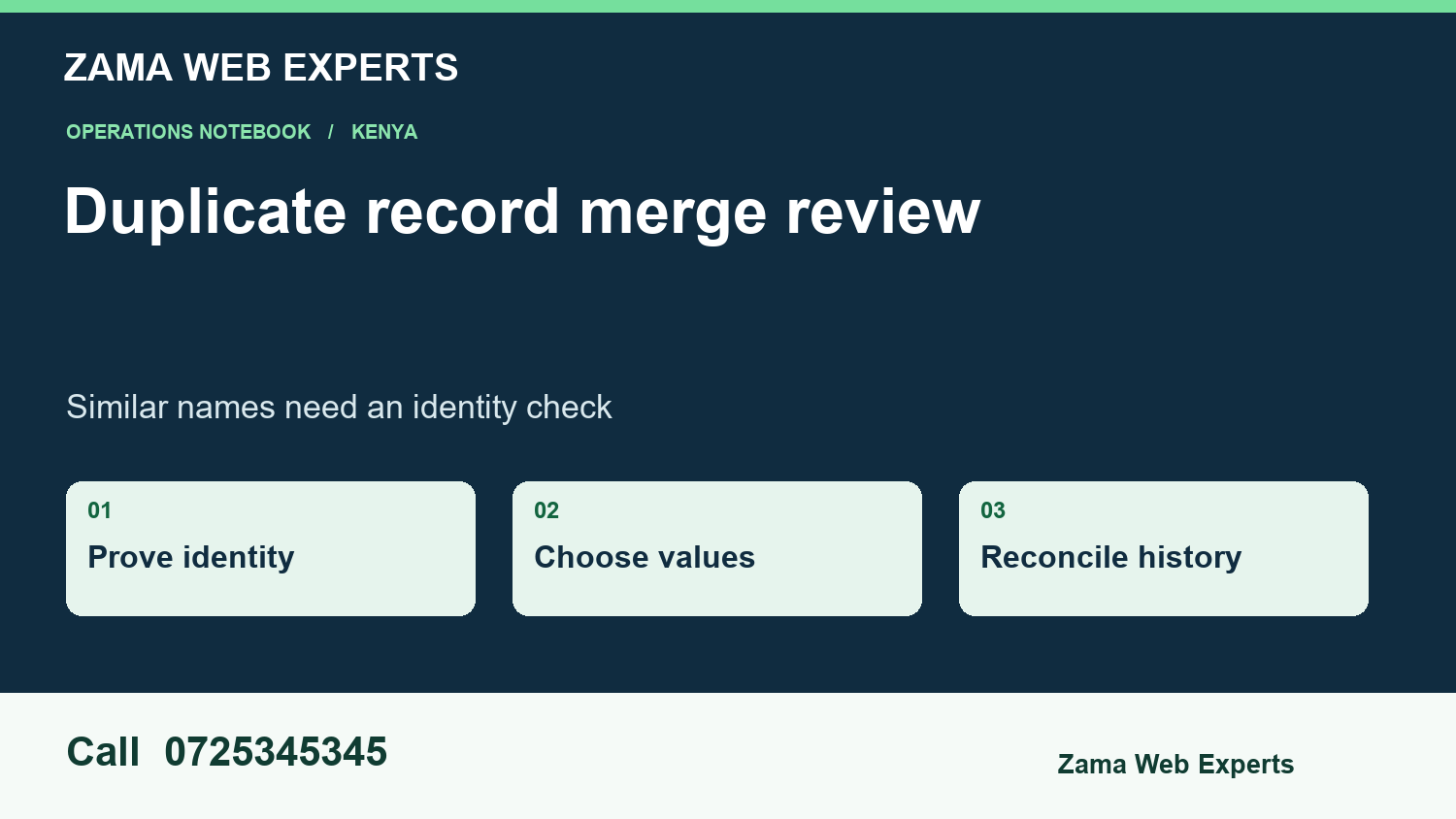
Duplicate record merge review in four decisions
For duplicate record merge review, use the four decisions below as a tabletop exercise. The case is fictional. Each decision pairs a new scenario with field notes drawn from a linked guide in our library. Read the scenario aloud first, and ask the next person to explain the result before consulting the notes.
1. Prove identity before combining records
Ask the responsible owner what evidence establishes that the entries represent the same supplier. A matching display name is insufficient. Review identifiers and relationships using the project’s approved rules.
If the entries represent separate branches or accounts, merging may be the wrong action. Keep the proposed change pending until the distinction is resolved. Write the decision in a way another reviewer can understand without needing the original conversation. Duplicate record merge review starts with identity evidence.
Field notes from our data import validation guide:
Identify the owner of the source information
Choose who can confirm the file’s accuracy and who can approve its use. The person formatting a spreadsheet may not be authorised to decide whether an old customer record remains active or whether a product code should be replaced. Route those questions to the appropriate owner.
Map each field to its meaning
Create a mapping between source columns and destination fields. Describe the meaning, required format and handling of blank values. Similar column names may hide different concepts: created date, transaction date and approval date should not be treated as interchangeable simply because they all contain dates.
Review the mapping with someone who uses the destination records. Through Zama’s software development service, discuss how the import fits the business workflow. Data import validation should confirm meaning before the team focuses on getting a file past a technical format check.
Review required and optional values
Check which fields must be present for the agreed operation and which may be left blank. The meaning of a blank update deserves special attention: it might mean preserve the existing value, clear it or reject the row. The team must know which behaviour applies.
Check relationships to other records
An imported row may refer to a branch, category, customer or another existing record. Confirm that those references are recognised and appropriate. A correctly formatted branch code is not enough if it points to the wrong outlet or a record that should not be used for the task.
Include unknown and inactive references in data import validation. Ask how the system reports them and whether the row is rejected or requires an authorised mapping. Avoid creating new related records automatically unless that behaviour is explicitly part of the approved import process.
2. Agree which values survive
Build a small comparison sheet showing the values on both records and the approved result for each field. Do not assume that the most recently edited value is always correct. Identify the permitted reviewer and the relationships that must remain accessible.
Define what should happen when information conflicts. A useful acceptance example includes both the final master record and the historical references that must continue to make sense. Duplicate record merge review requires deliberate surviving values.
Field notes from our software acceptance criteria guide:
Identify the people who can explain the rules
Invite representatives who understand the everyday process and its exceptions. The project sponsor can explain the objective, but a frontline employee may know why a request sometimes returns for correction. Include the person responsible for approving the business rule, especially where departments disagree about the expected sequence or permitted action.
Specify the important exception paths
Choose exceptions that reflect the actual process. An approver may be unavailable, a customer may cancel, or a supporting document may need replacement. Describe the expected handling and who decides the next step. Do not try to list every imaginable failure before the basic workflow is understood, but do not postpone common exceptions until launch.
Separate a valid business exception from a technical fault. A rejected request is an expected decision; a failed save is a different problem. Software acceptance criteria should make that distinction so the team can choose appropriate messages, status handling and follow-up. A user should not mistake an unsuccessful save for a completed rejection.
Define reporting and export expectations
Where a workflow affects a report, identify the relevant scope and totals. State whether the report includes drafts, completed records or a selected period. A reviewer needs to compare like with like. A visible total is difficult to approve when nobody has agreed which records belong in it or which date determines inclusion.
Use a small example whose expected result can be calculated independently. Include one record that should appear and one that should be excluded. Software acceptance criteria should explain the reason for both. If an export is required, confirm which fields and filters must carry through rather than assuming that the download automatically matches the screen.
3. Reconcile related activity
Before the test merge, count the linked example orders and record their identifiers. Afterward, compare the same set using the same report scope. A changed total may be legitimate only if the approved rule explains it.
Check details as well as summaries so a correct overall count does not hide a misassigned record. Review any exports used by operations and record which references remain valid for later investigation. Duplicate record merge review must reconcile related activity.
Field notes from our report filter testing guide:
Build a small expected-results sample
Use authorised test records with deliberately varied dates, branches and statuses. Include enough variation to distinguish each filter, but keep the sample small enough to inspect manually. A large production report can make a wrong total difficult to diagnose because nobody knows which records should be present.
For report filter testing, record the expected members of each selection before running the report. Keep sample identifiers beside the expected result. This gives the test an independent basis instead of treating the report’s own output as proof that its calculation is correct.
Combine filters deliberately
After testing each filter separately, test meaningful combinations. A branch, date and status selection should follow the agreed logic together. Include a combination expected to return several records and one expected to return none. The interaction can reveal mistakes that individual filter tests miss.
Compare rows, summaries and totals
Check that the summary describes the same selection as the visible records. If the table is paginated, confirm whether the total refers to the current page or the full filtered result. Label the distinction clearly. A correct number can still be misleading when its scope is not visible.
Retest after report changes
Keep the expected sample and the agreed filter definitions for later use. When a new status, branch rule or calculation is introduced, review the affected tests. A small change to the report can alter a familiar total in ways that are not obvious from a visual inspection.
Discuss ongoing fixes through Zama’s maintenance service or your support agreement. Report filter testing should remain connected to business ownership so technical changes and reporting definitions evolve together rather than leaving users to discover differences after a meeting.
4. Preserve a reviewable change trail
Check what evidence the system provides about the merge request, approval and completion. Record limitations rather than assuming a full before-and-after history exists. Confirm the recovery approach with the authorised technical owner before production use.
Keep test evidence separate from confidential operational records. Close the workshop only when the reviewer can explain the surviving record, related activity and any unresolved conflicts without relying on a screenshot of the final screen alone. Duplicate record merge review should preserve an understandable change trail.
Field notes from our audit log review guide:
Check how accounts are identified
Confirm how the log identifies the acting account and whether the displayed name can change. A familiar name may help a reviewer, but a stable account reference is useful when several people have similar names or staff details change. Ask how deactivated accounts appear in historical entries.
Confirm the meaning of timestamps
Ask which time zone the interface displays and whether different systems use the same convention. A timestamp can appear out of sequence if the reviewer compares local time with another representation without noticing. Record the time convention when sharing an excerpt so another reviewer can interpret it correctly.
Review before and after values carefully
Where the system records changed values, confirm what the comparison represents. It may show a selected field rather than the entire record. Check whether the values are understandable to the intended reviewer and whether references need explanation. An internal code without context may be accurate but difficult to interpret.
Read the surrounding sequence
A single event may be misleading without the steps before and after it. A record changed twice may reflect a correction rather than two unrelated decisions. Review enough context to understand the question, including the relevant reason or approval where available. Avoid selecting only the entry that appears to support an initial assumption.
Keep exported evidence manageable
If an export is necessary, limit it to the relevant scope and store it in an approved location. Include the filter, time convention and case reference needed to interpret it. A spreadsheet of events without its selection criteria can be misunderstood later, especially if another employee assumes it covers the entire system.
Record merge rehearsal sheet
Before testing duplicate record merge review, cover the expected results and ask a colleague to predict them. Use the disagreements to decide which rule needs explaining. These are fictional test cases; use your own approved references for the real procedure.
| Test condition | Expected evidence |
|---|---|
| Same trading name with different identifiers | Identity is reviewed before any merge. |
| Conflicting contact values | Owner approves the surviving value or pauses the change. |
| Linked orders exist on both entries | Identifiers and totals reconcile after the controlled test. |
| Reviewer requests recovery | Approved recovery approach is documented before production use. |
Duplicate record merge review: questions before release
Are matching names enough to merge records?
No. Establish identity using the organisation’s approved evidence and check whether the records represent separate accounts or branches.
Should the newest field always win?
Not automatically. The responsible owner should choose the surviving value based on trustworthy evidence, and record any unresolved conflict before proceeding.
How can the team verify the outcome?
Compare the approved master values and the identifiers of linked example records before and after the test. Review totals, permissions, historical references and the agreed recovery approach.
Use duplicate record merge review in your next demonstration
For a discussion about duplicate record merge review, contact Zama Web Experts on 0725345345. Bring one anonymised example, its starting position and the result your colleague expects. Ask for a demonstration using those details before assuming a particular feature or integration is available.
Other Kenyan business workflows
For a retail point-of-sale workflow, explore Vega POS. If your team is working in another sector, these services provide different examples: Prim for salon operations; TAS for chama records; Saseni for writing workflows; JAAT for shop listings; Dereva for driving services; TAIM for vehicle import enquiries. Use the service that fits your task; a link does not establish that the systems exchange data.