
Portal concurrent editing exposes a problem that a single-person demonstration rarely reveals. Two colleagues open the same fictional service request. One changes its delivery address while the other updates a contact note. If the second save silently restores the old address, both people may see a success message even though one person’s work has disappeared.
Use two authorised test accounts and harmless sample record E24 in a staging environment. Agree the intended conflict behaviour with the project team before testing. The system might reject an outdated save, offer a deliberate merge or use another documented rule. This workshop checks whether the business can explain the result; it does not prescribe a particular database implementation or permit testing against someone else’s system.
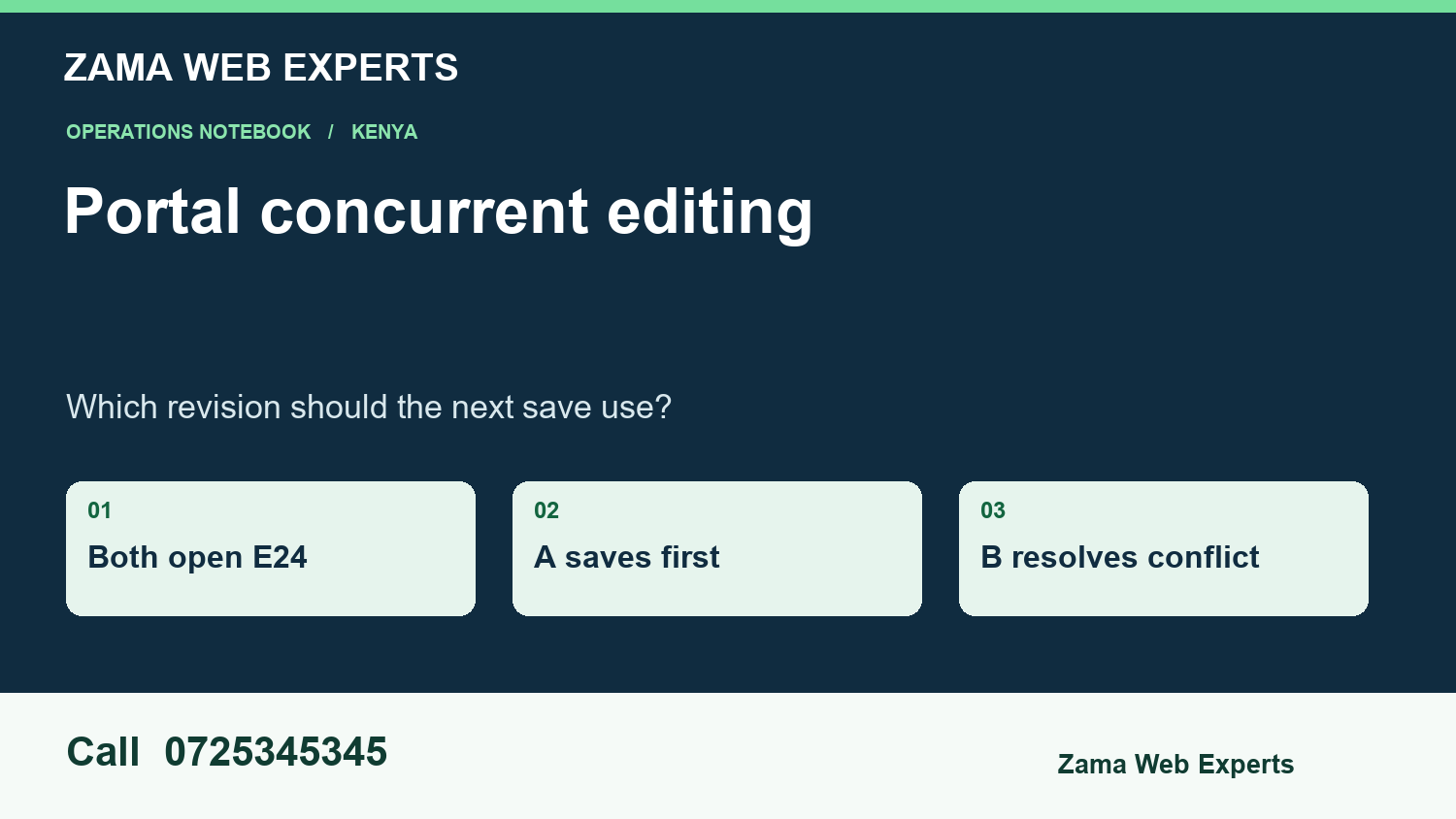
Portal concurrent editing in four decisions
Use the four decisions below as a tabletop exercise. The case is fictional. Each decision pairs a new scenario with field notes drawn from a linked guide in our library. Read the scenario aloud first, and ask the next person to explain the result before consulting the notes.
1. Establish the shared starting point
Open E24 in both accounts before either saves. Record the original address and note on a test worksheet. Have user A change the address and save, then let user B change only the note using the still-open form.
Reopen the record from a fresh view after both actions. The expected result depends on the approved conflict rule, but it must not be guessed from the two success messages. Portal concurrent editing should be tested with exact field values because a general report that “the update worked” can hide the loss of an unrelated field. For portal concurrent editing, keep this starting assumption visible beside the result.
Field notes from our software acceptance criteria guide:
Describe the starting conditions
A test needs a known starting point. State which role is signed in, what record exists and which status it has. Include relevant conditions such as the selected branch or whether a previous approval is complete. Without those details, two reviewers can perform apparently identical actions and reach different results for legitimate reasons.
Include permission boundaries
Identify who may view, create, change or approve the information involved. A successful test by an administrator does not prove that the intended staff role can complete the task. Equally, a feature is not ready merely because everyone can access it. The business needs the right people to perform the right actions through the approved workflow.
Include a negative example, such as a user who should not approve their own request. Ask the technical team to demonstrate enforcement through the relevant access paths, not only by hiding a button. Software acceptance criteria should describe the boundary the business expects; detailed security testing remains a separate professional activity.
Specify the important exception paths
Choose exceptions that reflect the actual process. An approver may be unavailable, a customer may cancel, or a supporting document may need replacement. Describe the expected handling and who decides the next step. Do not try to list every imaginable failure before the basic workflow is understood, but do not postpone common exceptions until launch.
2. Make a conflict visible and recoverable
If the design rejects user B’s outdated form, inspect the message. It should explain that the record changed and describe a safe next step without pretending the update succeeded. Check whether B can review or preserve the intended note before refreshing. A warning that destroys all typed work may prevent data corruption while creating unnecessary rework.
Now try two different proposed addresses for the same field. The interface should not imply that both alternatives were accepted. Ask an ordinary user to describe which value is current and what they must do to submit a new decision. This stage of portal concurrent editing tests a different question from the final total.
Field notes from our form error messages guide:
Match the message to the visible field label
Use the same name that appears beside the field. If the form says Collection date, an error about delivery_timestamp forces the visitor to translate an internal term. Keep technical identifiers in the support record where appropriate and use the customer’s language in the form.
Explain the correction in plain language
Tell the user what needs to change without adding unnecessary detail. If a date format matters, provide a clear example. If a quantity has an agreed limit, state the relevant limit accurately. Avoid implying that a field is required when the business process allows it to be left blank.
Distinguish missing information from unsuitable information
An empty field and a completed field with the wrong format are different cases. A message saying enter your email address can be confusing when the visitor has already entered something. The second case needs feedback about the information supplied, not a claim that nothing was provided.
Keep the tone respectful and factual
Avoid blame, jokes and dramatic language when someone is trying to finish a task. A correction should describe the issue, not suggest that the visitor was careless. Friendly wording can remain direct, especially when the form concerns an important request or a time-sensitive action.
3. Check side effects only occur once
Let the changed field trigger a fictional notification in a controlled test channel. A rejected stale save should not send a message announcing an update that never became current. Repeat a save only through the approved test procedure and inspect the resulting record and notification references.
Portal concurrent editing can affect more than visible text: assignment queues, reminders and downstream reports may also react. List the side effects relevant to the business and check their final state. Do not use real customer addresses or live messaging recipients merely to prove that a notification pathway exists. Use portal concurrent editing to expose this exception before relying on the ordinary successful path.
Field notes from our duplicate submission testing guide:
Choose a safe test environment
Use fictional records and an environment authorised for the exercise. Confirm that emails, payment services and other external effects are controlled appropriately. A test that repeats an action can create consequences beyond the screen, even when the form itself looks harmless. Agree the scope with the technical team before beginning.
Record the environment and application version. Results from an older demonstration site may not describe the current release. Duplicate submission testing should produce evidence that the delivery team can reproduce without wondering which configuration, service connection or sample data was used.
Establish the ordinary single submission
Complete the action once and inspect the result. Record the visible confirmation, created reference and relevant downstream state. This establishes the baseline against which repeated attempts will be compared. If the ordinary path is already unclear, resolve that uncertainty before interpreting the behaviour of more complicated scenarios.
Distinguish retries from corrections
A user may discover a mistake after submission and try to send corrected information. Decide whether the workflow requires an amendment, cancellation or new request. A repeated submission with changed fields may need different handling from a retry containing the same intended instruction.
Repeat checks after relevant changes
Changes to forms, background processing or connected services can affect repeated-action handling. Keep the important scenarios in the release checks and update them when the workflow changes. A successful test from the original launch does not automatically establish the behaviour of a later version.
4. Leave evidence support can interpret
Capture the order of actions, two test roles, record reference, expected rule and final values. Include the rejection or conflict message if one appeared. Avoid screenshots containing session secrets or private customer details.
Ask a support colleague to distinguish a rejected attempt from a saved revision using the available evidence. A timestamp alone may not establish order when events occur close together, so preserve the system’s revision or event references where exposed. Close the test when the team can explain the final address and note, recover safely from a conflict and reproduce the result. The final portal concurrent editing record should explain the outcome to someone who was not present.
Field notes from our audit log review guide:
Understand which events the system records
Ask the delivery team to explain the event coverage. A history may record changes to business data without recording every page view. Another log may capture sign-in activity but not the reason for a change. Knowing what is included prevents the reviewer from interpreting an absent entry as proof that an action never occurred.
Review before and after values carefully
Where the system records changed values, confirm what the comparison represents. It may show a selected field rather than the entire record. Check whether the values are understandable to the intended reviewer and whether references need explanation. An internal code without context may be accurate but difficult to interpret.
Read the surrounding sequence
A single event may be misleading without the steps before and after it. A record changed twice may reflect a correction rather than two unrelated decisions. Review enough context to understand the question, including the relevant reason or approval where available. Avoid selecting only the entry that appears to support an initial assumption.
Keep exported evidence manageable
If an export is necessary, limit it to the relevant scope and store it in an approved location. Include the filter, time convention and case reference needed to interpret it. A spreadsheet of events without its selection criteria can be misunderstood later, especially if another employee assumes it covers the entire system.
Portal concurrent editing test sheet
Before running the example, cover the expected results and ask a colleague to predict them. Use the disagreements to decide which rule needs explaining. These are fictional test cases; use your own approved references for the real procedure.
| Test condition | Expected evidence |
|---|---|
| Two accounts open the same revision | Both starting values and the agreed conflict rule are documented. |
| A saves before B | B’s stale save follows the specified rule and does not silently erase unrelated work. |
| Both change the same field | The accepted value and any required conflict resolution are understandable. |
| Rejected save has a notification trigger | No message falsely announces a change that did not become current. |
| Support reviews the result | The record reference, sequence and final values allow the issue to be reproduced. |
Portal concurrent editing: questions before release
Is the last saved value always the right value?
Not necessarily. The business must define its conflict rule. A last-write-wins design may be acceptable for some data and unsuitable for others. Test the agreed rule with two deliberate edits, including two changes to the same field, and check that users can understand the outcome.
Why use two different accounts?
Two accounts reproduce the roles and audit evidence of two colleagues. Two tabs in one account may help explore stale forms, but they do not prove role-specific behaviour or identify different actors. Keep the test accounts authorised and use fictional records so the exercise does not affect real operations.
What should happen to unsaved text?
Agree a recovery experience that protects both data integrity and the user’s effort. A rejected stale save should not pretend to succeed. Where the design preserves text for review, verify that it remains associated with the right record and does not encourage copying an outdated value over a newer approved one.
Use portal concurrent editing in your next demonstration
For a discussion about portal concurrent editing, contact Zama Web Experts on 0725345345. Bring one anonymised example, its starting position and the result your colleague expects. Ask for a demonstration using those details before assuming a particular feature or integration is available.
Other Kenyan business workflows
For a retail point-of-sale workflow, explore Vega POS. If your team is working in another sector, these services provide different examples: Prim for salon bookings, sales and stock; TAS for chama records and contributions; JAAT for shop and product listings; Dereva for driver discovery. Use the service that fits your task; a link does not establish that the systems exchange data.