
Saved filter testing asks what a convenient shortcut really remembers. A branch manager saves a view called “Open jobs this week”. Next Monday the same shortcut might show the new week, the old calendar dates or a mixture of defaults and saved values. Each can be intentional, but the label should not leave the manager guessing.
Create a fictional dataset with records in two branches, several statuses and dates on both sides of a weekly boundary. Use permitted test roles and a controlled environment. Write down whether the saved view stores a relative period, fixed dates, sort order and selected columns. A useful acceptance test compares actual record references with an expected set rather than relying on a plausible total.
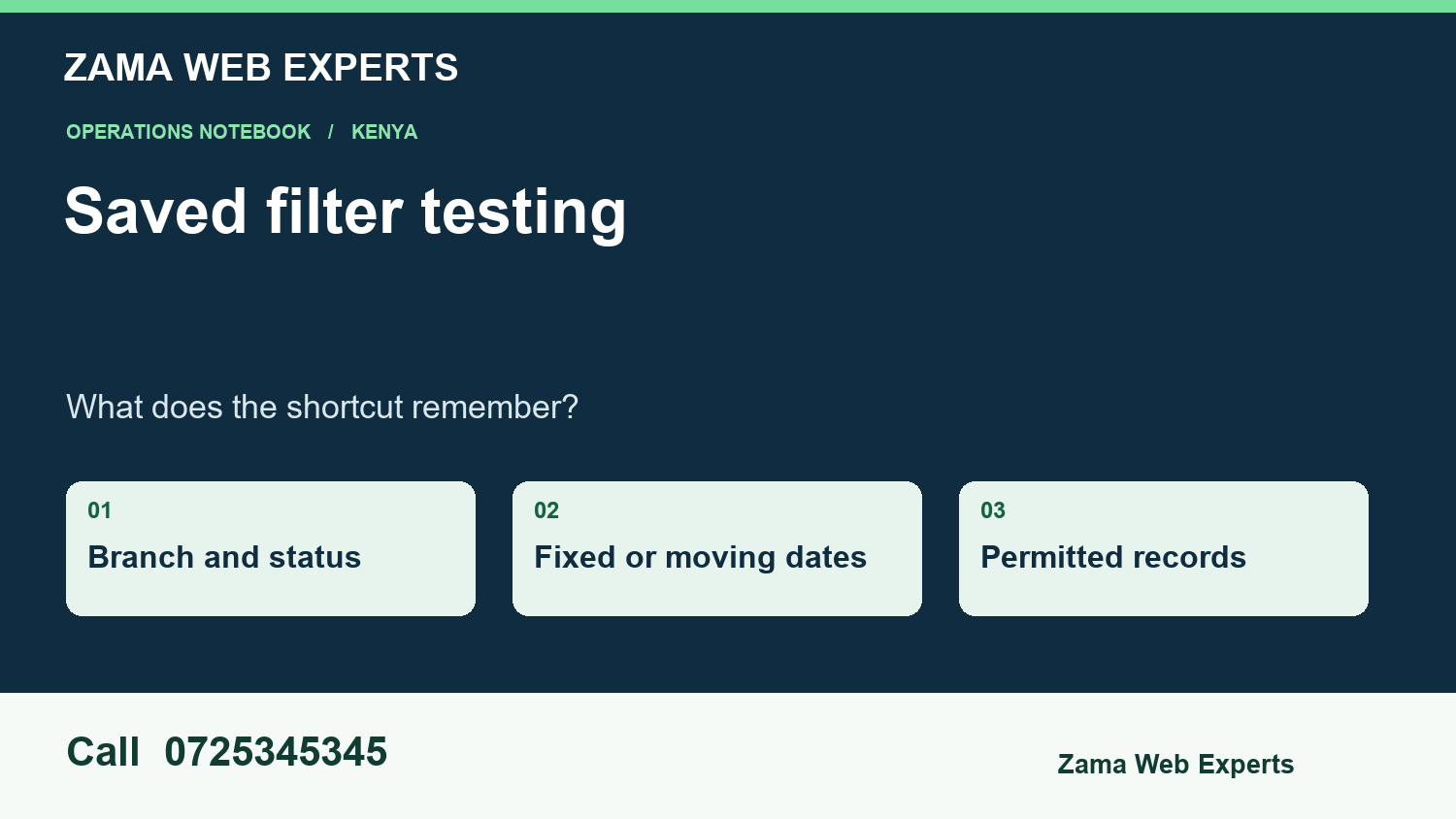
Saved filter testing in four decisions
Use the four decisions below as a tabletop exercise. The case is fictional. Each decision pairs a new scenario with field notes drawn from a linked guide in our library. Read the scenario aloud first, and ask the next person to explain the result before consulting the notes.
1. Define exactly what is saved
Set branch North, status Open and the current test week, then save the view under a distinctive name. Change the screen to branch South and status Closed before reopening the saved view. Inspect every control, the displayed date range and the resulting references.
A saved name alone does not prove its settings were restored. Saved filter testing should also check whether page size and sort order are included or deliberately reset. Document those choices so a team does not mistake a difference in presentation for missing business records. For saved filter testing, keep this starting assumption visible beside the result.
Field notes from our report filter testing guide:
Review empty and cleared selections
Distinguish a report with no matching records from a report that failed to load. A useful empty state explains the result and leaves the current selection understandable. It should not display an old total from the previous successful query while showing a new empty table.
Compare rows, summaries and totals
Check that the summary describes the same selection as the visible records. If the table is paginated, confirm whether the total refers to the current page or the full filtered result. Label the distinction clearly. A correct number can still be misleading when its scope is not visible.
For report filter testing, calculate the expected sample result independently. Examine whether excluded, cancelled or otherwise special records are treated according to the report definition. Do not adjust the test expectation simply to match the output without first explaining the difference.
Retest after report changes
Keep the expected sample and the agreed filter definitions for later use. When a new status, branch rule or calculation is introduced, review the affected tests. A small change to the report can alter a familiar total in ways that are not obvious from a visual inspection.
Discuss ongoing fixes through Zama’s maintenance service or your support agreement. Report filter testing should remain connected to business ownership so technical changes and reporting definitions evolve together rather than leaving users to discover differences after a meeting.
2. Test the passage of time
Use the team’s approved clock or dated fixture to repeat the view in the following week. If “this week” is relative, its actual start and end dates should move as designed. If the saved view is a fixed historical extract, the dates should stay fixed and its label should make that clear.
Add a record exactly at the new boundary and determine which period includes it. Do not change a production server clock for this rehearsal. The important evidence is the displayed period and the expected reference set under a controlled time assumption. This stage of saved filter testing tests a different question from the final total.
Field notes from our software acceptance criteria guide:
Identify the people who can explain the rules
Invite representatives who understand the everyday process and its exceptions. The project sponsor can explain the objective, but a frontline employee may know why a request sometimes returns for correction. Include the person responsible for approving the business rule, especially where departments disagree about the expected sequence or permitted action.
Check notifications and follow-up actions
If the feature sends a message, identify the intended recipient, triggering event and information required. Ask what happens when a request is amended after a notification has been sent. A message can be delivered successfully while still leading the recipient to an outdated action. The test should connect the notification to the current record.
Keep changes visible after agreement
Business understanding can improve during development. When a criterion changes, record what changed, why and who approved it. Ask the delivery team to explain the effect on scope, testing and timing before treating the new expectation as already included. This creates a clearer conversation than quietly replacing the original wording after work has been completed.
Retain the connection between the criterion and the affected feature. Software acceptance criteria should remain useful during later maintenance, not disappear after the launch meeting. A future reviewer can then distinguish a defect against an agreed behaviour from a new improvement that needs its own assessment and approval.
3. Check sharing without widening access
Where sharing is supported, let an authorised North user share the view with another test user who has a different permitted scope. The saved shortcut must not grant access simply because it contains a branch selection or a record link. Agree whether the second user sees a restricted result, an unavailable-view message or another documented outcome.
Test only within the approved staging accounts. Saved filter testing should distinguish sharing the definition of a view from sharing the underlying data; a manager needs to understand why two recipients can legitimately see different totals. Use saved filter testing to expose this exception before relying on the ordinary successful path.
Field notes from our website search testing guide:
Collect realistic search terms
Ask customer-facing and operational staff which phrases people use. Include plain language, common abbreviations and the terminology found on your pages. Avoid building the entire test around exact page titles, because visitors may not know those titles before they find the information.
Review titles and result descriptions
A result needs enough context for the visitor to choose confidently. Look at the displayed title, description and any relevant content type or date. Two pages with nearly identical labels can be difficult to distinguish even when the underlying search has found both correctly.
Check navigation and result links
Open representative results and confirm that they reach the expected content. A relevant title is not enough if the link leads to a missing page, an old address or an unrelated record. Include different content types where the search covers downloads, articles or other resources.
Review permissions for private content
For authenticated portals, agree which roles may discover which records. A result title or description can reveal information even if opening the full page is blocked. Ask the technical team to test the relevant access boundaries and include representative role checks in the acceptance review.
Do not assume that filtering the visible list is the whole access-control solution. Website search testing by business users should be supported by appropriate technical verification. Record the intended scope for each role and the evidence reviewed, without using real sensitive records merely to make the demonstration look realistic.
4. Handle obsolete options clearly
Retire a sample status used by the saved view through the approved test setup. Reopen the view and inspect the result. Silently dropping the status condition could broaden the list and mislead a user who trusts the shortcut’s name. Agree a clear notice or revision process.
Next rename the view and confirm that only the intended saved object changes. Keep a short support record of the saved definition, owner, scope and expected behaviour. Finish by asking someone unfamiliar with the configuration to explain what “Open jobs this week” means today. The final saved filter testing record should explain the outcome to someone who was not present.
Field notes from our form error messages guide:
Start form error messages with the user’s task
Identify what the person is trying to do and why the field matters. A delivery instruction, preferred appointment time and account identifier serve different purposes. Their feedback should reflect those purposes rather than reuse one generic warning for every problem.
Separate validation from service failures
If the system cannot complete the action because a service is unavailable, do not tell the visitor that their information is invalid. Explain the current outcome and the next supported step. Where submission status is uncertain, avoid encouraging repeated attempts that could create duplicate requests.
Form error messages should reflect what the system actually knows. Ask the technical team how it distinguishes rejected input, a failed action and an action whose outcome has not yet been confirmed. Business owners should approve the customer-facing response for each case before launch.
Test with realistic examples and users
Create a small set of ordinary mistakes based on the actual form: a missing required value, an out-of-range quantity, an unavailable choice and a corrected resubmission. Ask someone unfamiliar with the implementation to complete the task. Observe where they hesitate and what they think the message means.
For a broader workflow, explore Zama’s portal development guide. Form error messages should be reviewed in the context of the complete journey, including login, navigation, submission and confirmation. A correct sentence cannot compensate for an unclear business process around it.
Saved filter testing test sheet
Before running the example, cover the expected results and ask a colleague to predict them. Use the disagreements to decide which rule needs explaining. These are fictional test cases; use your own approved references for the real procedure.
| Test condition | Expected evidence |
|---|---|
| Saved view reopened after other filters used | All settings that belong to the saved definition return correctly. |
| Relative week advances | The displayed dates and matching records move according to the approved time rule. |
| Fixed historical period reopened | The saved dates remain fixed and the label makes that meaning clear. |
| Different authorised user opens shared view | The shortcut does not widen that user’s data permissions. |
| Saved status is retired | A clear outcome prevents silent broadening of the original query. |
Saved filter testing: questions before release
Does saving a view freeze the data?
Not unless the feature explicitly creates a snapshot. A saved filter commonly stores selection rules while the underlying records continue changing. Name that distinction in training. A historical snapshot and a reusable live query answer different questions, even when both appear as shortcuts in the same menu.
Why test an empty result?
An empty result can be valid, but the user should see which criteria produced it and how to adjust them. It should not be mistaken for a failed load or an expired session. Use a fixture with no matching records and compare its message with an actual error scenario.
What if a shared view shows different totals?
First compare each user’s authorised scope, time settings and current data. Different totals can be correct when access differs. A shared view should not override permissions. Record the expected set for each test role rather than assuming every recipient must see the creator’s complete list.
Use saved filter testing in your next demonstration
For a discussion about saved filter testing, contact Zama Web Experts on 0725345345. Bring one anonymised example, its starting position and the result your colleague expects. Ask for a demonstration using those details before assuming a particular feature or integration is available.
Other Kenyan business workflows
For a retail point-of-sale workflow, explore Vega POS. If your team is working in another sector, these services provide different examples: Prim for salon bookings, sales and stock; TAS for chama records and contributions; JAAT for shop and product listings; Dereva for driver discovery. Use the service that fits your task; a link does not establish that the systems exchange data.