
Search recovery design gives a visitor a sensible next step when a website search does not answer their question. A blank result page can hide several different problems: unfamiliar wording, an overly narrow filter, missing content or a service failure. Treating all of them as no matches leaves customers to guess. This workshop follows a fictional Kenyan service portal to make those differences visible before release.
A visitor searches for equipment servicing, but the site uses the phrase maintenance support. A second visitor applies a location filter that removes the relevant page. A third search encounters a temporary error. The exercise is to help each person recover without making misleading promises about what is available. Use a controlled test environment and invented records rather than real customer information.
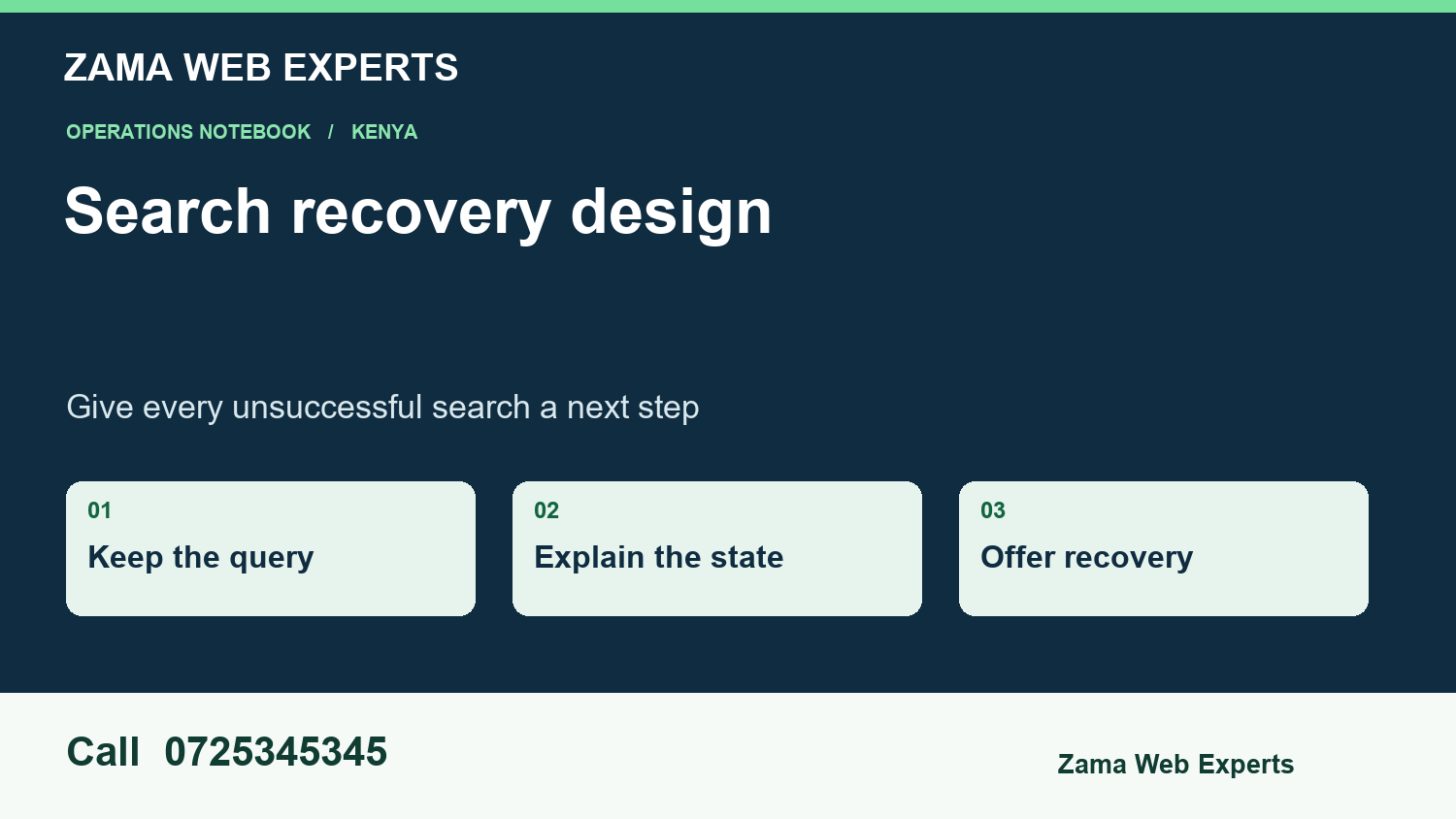
Search recovery design in four decisions
For search recovery design, use the four decisions below as a tabletop exercise. The case is fictional. Each decision pairs a new scenario with field notes drawn from a linked guide in our library. Read the scenario aloud first, and ask the next person to explain the result before consulting the notes.
1. Define what would count as useful
List the page or task that should help the visitor in the servicing example. Ask the content owner which everyday phrases customers use. An expected result should be defensible from the actual service description, not chosen merely because it contains the query.
Test a specific term and a broader ordinary phrase. Record which result would let the visitor continue, and which nearby result would create confusion. Search recovery design starts with a useful visitor outcome.
Field notes from our website search testing guide:
Collect realistic search terms
Ask customer-facing and operational staff which phrases people use. Include plain language, common abbreviations and the terminology found on your pages. Avoid building the entire test around exact page titles, because visitors may not know those titles before they find the information.
Identify expected useful results
For each important query, name the page or type of information that should help the user. More than one result may be reasonable. The reviewer should understand why an expected page is relevant rather than assume that the first result must always be one predetermined document.
Review titles and result descriptions
A result needs enough context for the visitor to choose confidently. Look at the displayed title, description and any relevant content type or date. Two pages with nearly identical labels can be difficult to distinguish even when the underlying search has found both correctly.
Test short and specific queries
Include a broad topic and a more specific phrase about that topic. Observe whether the search helps the visitor narrow the task or simply returns the same unhelpful list. The expected behaviour depends on the agreed design, but users should receive an understandable response at both levels.
Check ordinary variations in wording
Use common abbreviations, singular and plural forms, and familiar alternative terms where relevant to the audience. Decide which variations the business expects the search to support. Not every spelling error or synonym must produce the same result, but the most important user language should be considered deliberately.
Review the no-results experience
Search for a term that has no relevant match in the test content. The response should explain that outcome clearly and offer an appropriate next step. Depending on the site, that might include revising the query, browsing a relevant section or contacting the business through an existing channel.
2. Explain the reason without inventing it
A search service error is not evidence that there are no matching pages. Give the user a truthful message and a useful retry or contact route. When a filter is responsible, make the selected scope visible and offer a clear way to change it.
Preserve the query so the visitor does not have to type it again. Avoid showing a confident no-results statement when the system has not completed the search. Search recovery design should distinguish no matches from an unsuccessful request.
Field notes from our form error messages guide:
Explain the correction in plain language
Tell the user what needs to change without adding unnecessary detail. If a date format matters, provide a clear example. If a quantity has an agreed limit, state the relevant limit accurately. Avoid implying that a field is required when the business process allows it to be left blank.
Distinguish missing information from unsuitable information
An empty field and a completed field with the wrong format are different cases. A message saying enter your email address can be confusing when the visitor has already entered something. The second case needs feedback about the information supplied, not a claim that nothing was provided.
Keep the tone respectful and factual
Avoid blame, jokes and dramatic language when someone is trying to finish a task. A correction should describe the issue, not suggest that the visitor was careless. Friendly wording can remain direct, especially when the form concerns an important request or a time-sensitive action.
Show feedback where it can be found
The visitor should be able to connect the message with the affected field. Long forms may also benefit from a summary that identifies multiple problems. Do not rely only on colour, because the meaning should remain understandable when a person cannot distinguish the visual cue.
Keep browser and server checks consistent
Immediate browser feedback can help users, but it is not a substitute for checks on the receiving system. MDN’s form validation guide explains the distinction between client and server validation. Ask the developer to ensure that the accepted rules and resulting messages agree across the complete request.
3. Check recovery after content changes
The servicing page is later renamed. Repeat the searches and follow the result links to their destination. A helpful result title is insufficient if the click leads to an old or unrelated page.
Confirm that the revised page still offers the task the visitor expected. Where content has been consolidated, ask the owner to identify the intended destination rather than sending every old result to the homepage. Search recovery design must survive page renaming and navigation changes.
Field notes from our website content migration guide:
Build a content inventory
List the current pages and important assets with their addresses, titles, purpose and owner. Include pages linked from emails, documents or partner websites, not only those visible in the main navigation. Ask departments which pages people still use even if the design team considers them old.
Preserve meaningful page information
Review page titles, headings, descriptions and image alternatives alongside the body copy. The new layout should communicate the topic clearly. Avoid copying the same vague title onto every page or removing useful headings merely to make the visual design simpler.
Test links within the migrated content
Follow links from the actual new page and confirm that they lead to the intended destination. Check downloads, buttons, navigation and links within paragraphs. A link may technically open while taking the visitor to an outdated or unrelated page, so the test should include meaning as well as availability.
Review mobile and accessible presentation
Read the migrated pages on the devices your audience uses. Check whether headings, lists, tables and downloads remain understandable. Long unbroken text or a wide table may hide information on a small screen even though the desktop layout looks polished.
Monitor and maintain after launch
Review reported missing pages, incorrect links and confusing instructions after the new site goes live. Give staff a simple route for reporting a specific page and problem. Keep the old mapping available for investigation so the team can understand what changed.
Plan ongoing ownership through Zama’s website maintenance service or the agreed support arrangement. Website content migration ends more successfully when later corrections have a clear owner, rather than leaving the new website without anyone responsible for its accuracy.
4. Make the acceptance test observable
Write a short acceptance example for each of the three visitors. Include the query, filter, system condition and expected recovery action. Ask somebody unfamiliar with the build to run the examples using a keyboard and a mobile viewport.
Capture the result and any point where the next step is unclear. An agreed recovery journey should remain part of later regression checks when search or navigation changes. Search recovery design can be checked with observable acceptance examples.
Field notes from our software acceptance criteria guide:
Describe the starting conditions
A test needs a known starting point. State which role is signed in, what record exists and which status it has. Include relevant conditions such as the selected branch or whether a previous approval is complete. Without those details, two reviewers can perform apparently identical actions and reach different results for legitimate reasons.
Write an observable expected result
Replace vague phrases such as works properly or feels intuitive with something a reviewer can check. For example, an authorised supervisor can return a submitted request with a reason, and the requester can see that reason when opening the record. This describes a result without prescribing every visual detail or implementation decision.
Specify the important exception paths
Choose exceptions that reflect the actual process. An approver may be unavailable, a customer may cancel, or a supporting document may need replacement. Describe the expected handling and who decides the next step. Do not try to list every imaginable failure before the basic workflow is understood, but do not postpone common exceptions until launch.
Keep changes visible after agreement
Business understanding can improve during development. When a criterion changes, record what changed, why and who approved it. Ask the delivery team to explain the effect on scope, testing and timing before treating the new expectation as already included. This creates a clearer conversation than quietly replacing the original wording after work has been completed.
Retain the connection between the criterion and the affected feature. Software acceptance criteria should remain useful during later maintenance, not disappear after the launch meeting. A future reviewer can then distinguish a defect against an agreed behaviour from a new improvement that needs its own assessment and approval.
Search recovery rehearsal sheet
Before testing search recovery design, cover the expected results and ask a colleague to predict them. Use the disagreements to decide which rule needs explaining. These are fictional test cases; use your own approved references for the real procedure.
| Test condition | Expected evidence |
|---|---|
| Ordinary alternative wording | Useful relevant destination can be found or suggested honestly. |
| Filter excludes the useful page | Selected scope and correction route remain visible. |
| Search service fails | Message distinguishes failure from no matches. |
| Content page renamed | Result links reach the intended current destination. |
Search recovery design: questions before release
Is no result always a content problem?
No. A narrow filter, an unfamiliar term or a service failure can produce different unsuccessful journeys. Test the cause before deciding what message or content change is needed.
Should every unsuccessful search go to the homepage?
A relevant recovery route is more useful. Let the visitor revise the query, change the scope or reach an appropriate contact or service page.
How many test queries are enough?
Start with a small representative set covering ordinary wording, specific terms and known failure states. Extend it when actual user questions reveal a missing pattern rather than collecting arbitrary variations.
Use search recovery design in your next demonstration
For a discussion about search recovery design, contact Zama Web Experts on 0725345345. Bring one anonymised example, its starting position and the result your colleague expects. Ask for a demonstration using those details before assuming a particular feature or integration is available.
Other Kenyan business workflows
For a retail point-of-sale workflow, explore Vega POS. If your team is working in another sector, these services provide different examples: Prim for salon operations; TAS for chama records; Saseni for writing workflows; JAAT for shop listings; Dereva for driving services; TAIM for vehicle import enquiries. Use the service that fits your task; a link does not establish that the systems exchange data.