
CSV export testing answers a deceptively simple question: can a colleague open the downloaded file and reproduce the business result they saw on screen? A portal may display a branch code as 0017, a customer name containing a comma and an amount with two decimal places. A spreadsheet can interpret those values differently without reporting a single download error.
Use a fictional export with three rows and keep the original file unchanged while testing. Include reference 0017, a name such as “East, Service Desk”, and a blank optional field. Decide which fields are identifiers, text and numbers before comparing the file in a text viewer and the spreadsheet application your staff actually use. Do not use real customer data for the exercise.
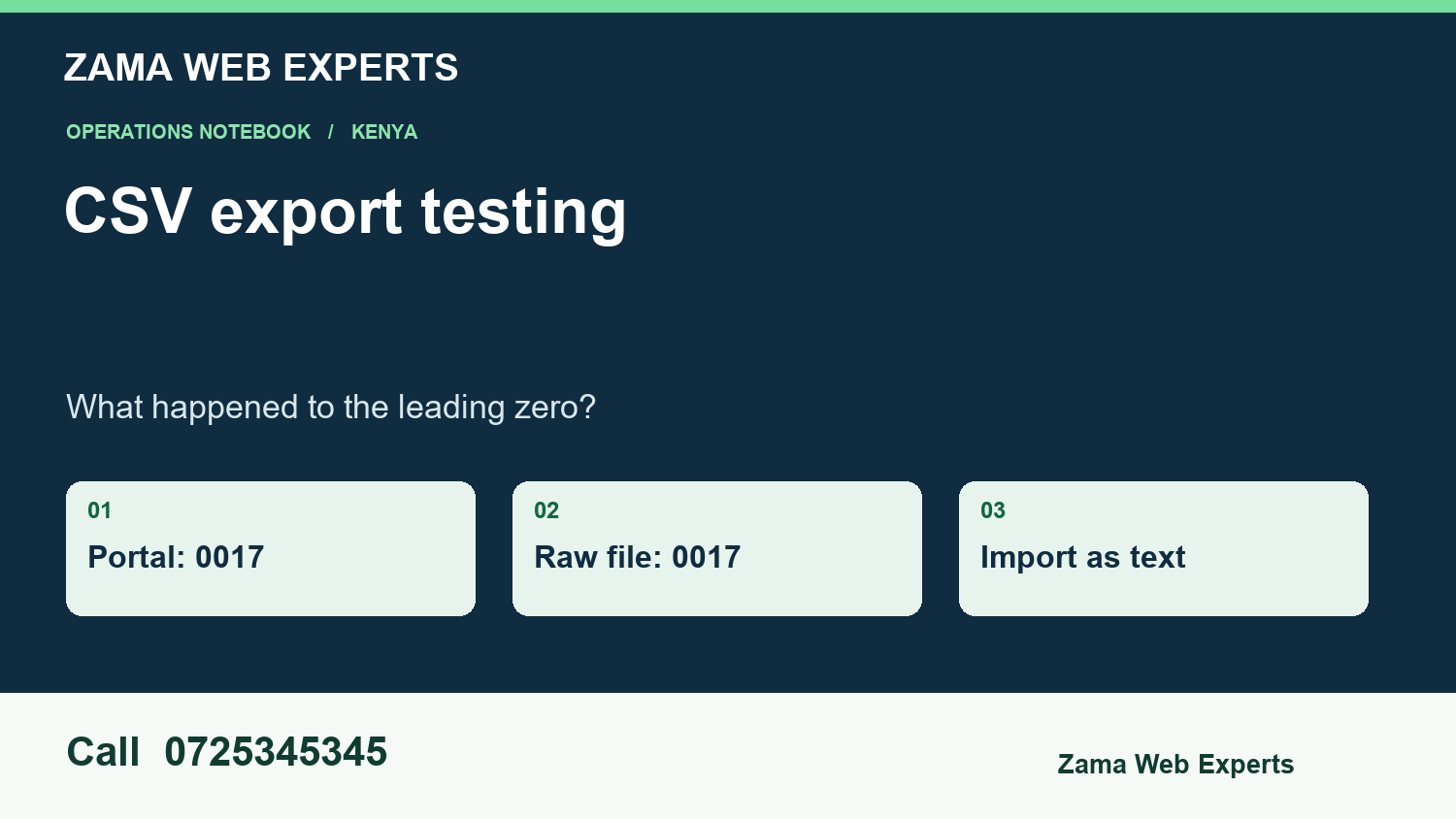
CSV export testing in four decisions
Use the four decisions below as a tabletop exercise. The case is fictional. Each decision pairs a new scenario with field notes drawn from a linked guide in our library. Read the scenario aloud first, and ask the next person to explain the result before consulting the notes.
1. Confirm the exported set independently
Select one test branch and a known date range. Write the expected references before exporting; do not treat a matching row count as proof that the right rows were exported. If the list is paginated, clarify whether Export means the current page, all filtered results or a chosen selection.
Ask the product owner to name that scope on the button or nearby instruction. A user who expects twenty-three filtered results may not notice that a downloaded file contains only the first ten. Include a test with zero rows and check that the system explains the result rather than serving the previous download by mistake. For CSV export testing, a list of expected row references is stronger evidence than a download containing the right number of lines.
Field notes from our report filter testing guide:
Test the edges of a date range
Include records at the beginning and end of the selected period, plus records just outside it. Agree how the report interprets the end date and any relevant timezone. The visible date choice should correspond to the period users think they selected.
Combine filters deliberately
After testing each filter separately, test meaningful combinations. A branch, date and status selection should follow the agreed logic together. Include a combination expected to return several records and one expected to return none. The interaction can reveal mistakes that individual filter tests miss.
Keep report filter testing focused on business combinations rather than every imaginable permutation. Prioritise the selections people actually use and the boundaries where an incorrect result would matter. Record why a combination was chosen so future testers can maintain the coverage when new filters are added.
Retest after report changes
Keep the expected sample and the agreed filter definitions for later use. When a new status, branch rule or calculation is introduced, review the affected tests. A small change to the report can alter a familiar total in ways that are not obvious from a visual inspection.
2. Keep identifiers intact across tools
Inspect the raw export for 0017 before opening it in a spreadsheet. If the raw value is correct but the application displays 17, the loss occurred during interpretation, not necessarily in the portal export. Document a supported import method that treats the identifier column as text.
Do not “fix” it by adding invented digits to every code of differing length. Compare the value after saving and reopening the spreadsheet; a round trip can lose information even when the first view appeared correct. Keep a row key independent of the displayed customer name so the reviewer can match records reliably after sorting. Separate raw file content from spreadsheet interpretation in CSV export testing notes.
Field notes from our data import validation guide:
Identify the owner of the source information
Choose who can confirm the file’s accuracy and who can approve its use. The person formatting a spreadsheet may not be authorised to decide whether an old customer record remains active or whether a product code should be replaced. Route those questions to the appropriate owner.
Confirm dates, numbers and units
Use examples that reveal ambiguity. A date can be interpreted differently depending on its format, and a number may include separators or formatting that the importer does not expect. Quantities also need a unit: twelve pieces and twelve cartons describe different stock positions.
Check relationships to other records
An imported row may refer to a branch, category, customer or another existing record. Confirm that those references are recognised and appropriate. A correctly formatted branch code is not enough if it points to the wrong outlet or a record that should not be used for the task.
Agree failure handling before the main import
Ask whether the importer stops the whole file or accepts valid rows while reporting others. Both behaviours require clear instructions. A partly successful import can create duplicates if an employee uploads the complete file again without understanding what already changed.
3. Test commas, quotation marks and line breaks
Use the legitimate comma in the sample desk name and add a harmless note containing quotation marks. If multiline notes are supported, include one in the test set. Open the result with a CSV-aware reader and compare fields; counting physical lines is unreliable when a quoted field contains a line break.
Confirm which delimiter and text encoding the intended reader expects. A file that opens correctly on the developer’s computer may appear as one long column on a colleague’s machine configured for a different delimiter. Provide a tested instruction rather than asking staff to remove commas from valid customer names. Use legitimate punctuation in CSV export testing instead of altering real names to suit a convenient parser.
Field notes from our form error messages guide:
Start form error messages with the user’s task
Identify what the person is trying to do and why the field matters. A delivery instruction, preferred appointment time and account identifier serve different purposes. Their feedback should reflect those purposes rather than reuse one generic warning for every problem.
Separate validation from service failures
If the system cannot complete the action because a service is unavailable, do not tell the visitor that their information is invalid. Explain the current outcome and the next supported step. Where submission status is uncertain, avoid encouraging repeated attempts that could create duplicate requests.
Form error messages should reflect what the system actually knows. Ask the technical team how it distinguishes rejected input, a failed action and an action whose outcome has not yet been confirmed. Business owners should approve the customer-facing response for each case before launch.
Keep browser and server checks consistent
Immediate browser feedback can help users, but it is not a substitute for checks on the receiving system. MDN’s form validation guide explains the distinction between client and server validation. Ask the developer to ensure that the accepted rules and resulting messages agree across the complete request.
4. Protect scope and explain unusual cell values
Use an authorised role with narrow branch access and verify that export preserves the same permission boundary as the visible list. Ask the development and security team how untrusted text is handled when a spreadsheet interprets cell contents as formulas. Use harmless approved test values, not live payloads, and check the intended spreadsheet rather than assuming that CSV quoting alone prevents formula interpretation.
Keep the requirement clear: legitimate identifiers and names should survive, numeric measures should remain usable, and unexpected executable behaviour should not be introduced. A passing download size or successful save message proves none of these conditions on its own. Complete CSV export testing using the application’s authorised roles and the spreadsheet program the recipient actually uses.
Field notes from our software acceptance criteria guide:
Start software acceptance criteria with a business task
Describe the task before describing the screen. A manager may need to approve an expense, a customer may need to check an order, or a receptionist may need to correct an appointment. Each task has a starting situation and a useful result. A page containing several buttons is not necessarily evidence that the underlying task works.
Include permission boundaries
Identify who may view, create, change or approve the information involved. A successful test by an administrator does not prove that the intended staff role can complete the task. Equally, a feature is not ready merely because everyone can access it. The business needs the right people to perform the right actions through the approved workflow.
Define reporting and export expectations
Where a workflow affects a report, identify the relevant scope and totals. State whether the report includes drafts, completed records or a selected period. A reviewer needs to compare like with like. A visible total is difficult to approve when nobody has agreed which records belong in it or which date determines inclusion.
CSV export testing reference sheet
Before running the example, cover the expected results and ask a colleague to predict them. Use the disagreements to decide which rule needs explaining. These are fictional test cases; use your own approved references for the real procedure.
| Test condition | Expected evidence |
|---|---|
| Export identifier 0017 | The raw file preserves the identifier; the documented spreadsheet import also preserves it as text. |
| Export a name containing a comma | The intended parser reads one name field and the expected number of columns. |
| Export after filtering to one branch | The file contains the expected distinct references and no records outside the user’s authorised scope. |
| Open and save a sample workbook | Compare identifiers, numeric measures and blank values with the unchanged source file before accepting the round trip. |
CSV export testing: questions before release
Is a spreadsheet display the same as the raw CSV?
No. A spreadsheet may infer types and change how an identifier, date or long number appears. Compare the exported text with the value after import. Record the application and import settings so another reviewer can reproduce the result. Decide whether the business needs an import instruction or a different export format.
How should the team test a quoted customer name?
Use a harmless fictional name containing a comma and quotation marks, export the record, then parse it with the intended reader. It should produce one customer-name field, not two columns. If the file also allows multiline notes, test that separately. Do not count raw lines as records when quoted fields can span lines.
What counts as a useful acceptance result?
Name the filter, permitted role, exact reference list, expected column meanings and application used to open the file. Include one leading-zero identifier, one blank value and one meaningful numeric measure. A small test set with known answers is more persuasive than a large download opened without knowing what should appear.
Use csv export testing in your next demonstration
For a discussion about csv export testing, contact Zama Web Experts on 0725345345. Bring one anonymised example, its starting position and the result your colleague expects. Ask for a demonstration using those details before assuming a particular feature or integration is available.
Other Kenyan business workflows
For a retail point-of-sale workflow, explore Vega POS. If your team is working in another sector, these services provide different examples: Prim for salon bookings, sales and stock; TAS for chama records and contributions; Saseni for writing orders and delivery; JAAT for shop and product listings; Dereva for driver discovery. Use the service that fits your task; a link does not establish that the systems exchange data.
For technical review, consult OWASP guidance on spreadsheet formula injection and agree the relevant checks with the project team.
For common CSV conventions involving delimiters, quoting and embedded line breaks, see RFC 4180. Confirm compatibility with the actual export consumer.
To compare the outcome of csv export testing with a related case, try our portal report reconciliation exercise. Use the same fictional reference throughout, then explain what the second exercise checks that the first one did not.